

Short answer: WATS Wallet is the extension-plus-app wallet we recommend if you want EVM networks, Solana and TON in one self-custody account, want every EVM action charged from one ATS balance on BSC, or want an optional NFC card you tap to your paired phone to authenticate access or confirm a signature in the WATS mobile app. If you need native Bitcoin, pick MetaMask, Trust Wallet, OKX Wallet or Phantom. If you live on Solana, Phantom fits better. If you are an EVM DeFi power user, MetaMask fits better. Exodus no longer belongs on this list as of October 2026, because it has discontinued its browser extension.
Disclosure: WATS Wallet publishes this comparison, and WATS Wallet is our own product. We list it first, say plainly where it fits, and name the wallet that fits better where it does not. Competitor features were checked against each wallet's official site and help center in October 2026.
What should you compare in an extension-plus-app wallet?
"Both an extension and an app" hides real differences. This guide compares how each wallet pairs its two surfaces, which chains it covers natively, how fees are paid and what security extras exist, as of October 2026.
How do the extension and the app share one account?
There are three common patterns.
- Same recovery phrase. You import the same 12- or 24-word phrase into the extension and the app, and both derive the same addresses. The phrase is the only shared secret.
- Device pairing. Some wallets, Trust Wallet among them, let you link the app and the extension with a QR code so you do not retype the phrase on the second device. Check the wallet's current setup flow before relying on it.
- Login-based backup. MetaMask and Phantom offer social login (Google or Apple) as an alternative to writing down a phrase, and other wallets offer cloud backup options. Their makers describe these as self-custodial, but a login service now sits in your recovery path, so read how it works first.
Balances match on both surfaces because the blockchain is the source of truth. Address books, connected sites and settings may not carry over, so treat account sync and feature parity as separate questions. Extensions also carry their own risk: in December 2025 Trust Wallet disclosed that a malicious build of its extension reached the Chrome Web Store, and said its mobile app was not affected. For the category-level picture, see our guide to non-custodial wallets across browser, mobile and web.
Where does WATS Wallet fit?
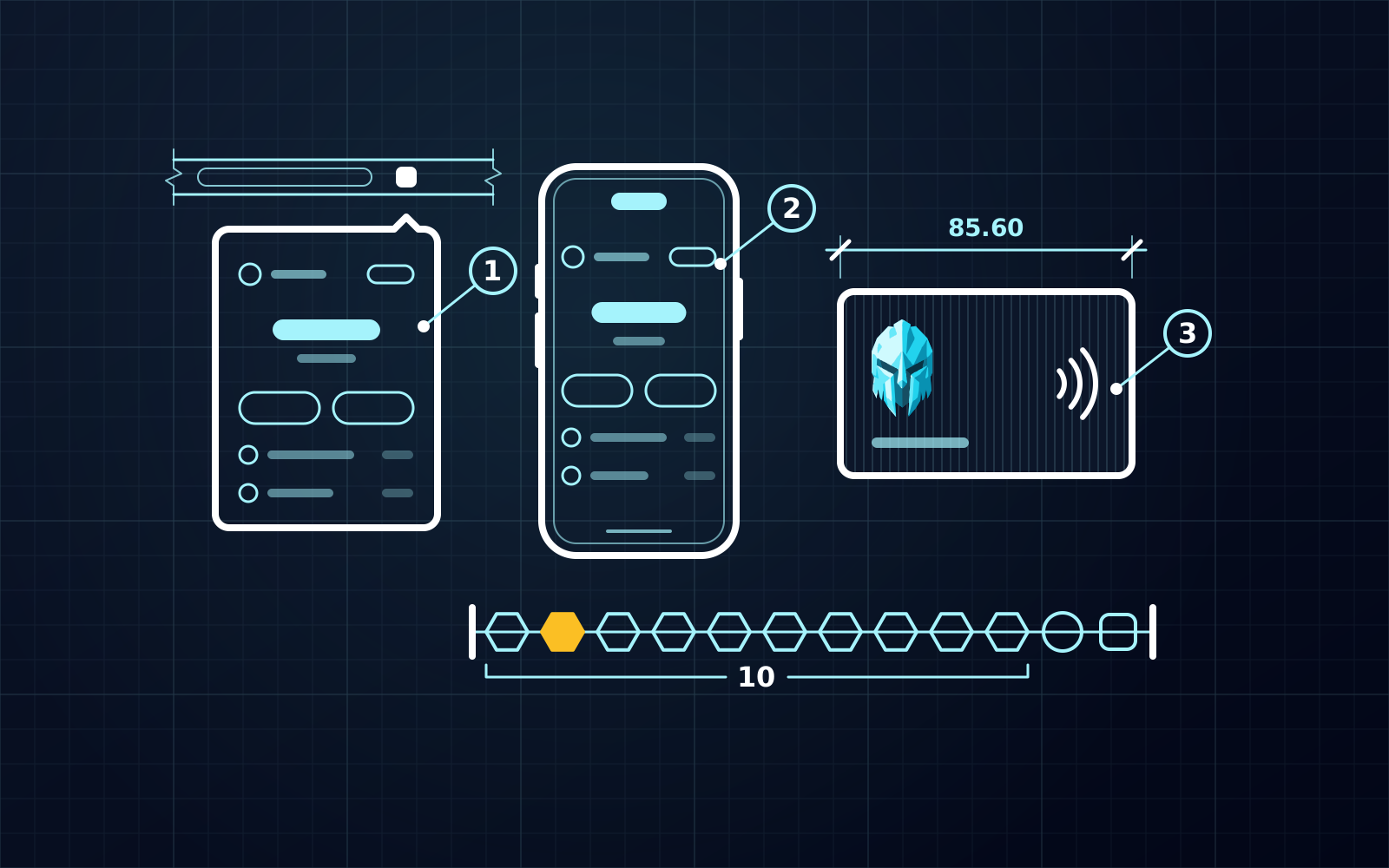
WATS Wallet, made by Alltoscan LLC, is three products on one self-custody identity: a Chrome extension for Chromium browsers, an iOS and Android mobile app and an optional WATS NFC Metal Card. You create and hold your own keys and recovery phrase in the extension and the app, and WATS never holds a key. It is not seedless: the recovery phrase is yours to protect. There is no web app and no desktop app, so desktop means the Chrome extension.
Chains are Ethereum, Arbitrum, Optimism, Base, Polygon, BNB Chain and other EVM networks, plus Solana and TON, with send, receive, swap and bridge in one wallet. There is no native Bitcoin. Having both an extension and an app is not an edge by itself, since every wallet here except Exodus offers it. Covering EVM, Solana and TON together is an edge only against wallets that do not list TON, such as MetaMask, Phantom and Coinbase Wallet; Trust Wallet, OKX Wallet and Exodus also cover all three.
The fee model is the more distinctive part. On EVM networks every action is charged in ATS (Alltoscan Token) through an ERC-4337 paymaster, debited from one ATS balance held on BSC whichever EVM network the transaction runs on, in the extension and the app alike. You never bridge ATS or keep a per-chain balance. This does not make fees cheaper: the ATS fee tracks the live network cost. Solana pays its own fees in SOL, while fees on TON are paid in ATS too. The mechanism is explained in how the ATS fee works and what gas abstraction is.
The card is a separate factor. It holds no private keys and is not cold storage or a hardware wallet. You tap it to your phone to authenticate access or confirm a signature in the mobile app, it has a unique card ID and it pairs to exactly one device. It uses an NTAG 216 chip (NFC Forum Type 2, ISO/IEC 14443-A) in a CR-80 body rated MIL-STD-810, made of plastic or of IP68-rated steel. Hardware wallets such as Ledger and Trezor hold keys, which is a different job. For a direct comparison, see WATS Wallet vs MetaMask.
How do MetaMask, Trust Wallet and OKX Wallet compare?
MetaMask
MetaMask has browser extensions for Chrome, Firefox, Brave, Opera and Edge, plus iOS and Android apps, and no standalone desktop app. EVM is its core, with custom RPC networks. Its support site says it supports Solana and Bitcoin natively and has a Tron guide; TON is not listed. Check the Bitcoin guide for current limits.
On fees, MetaMask's gas-included transactions let you pay the network fee in an eligible token on selected networks with Smart Transactions turned on. The fee token must be held on the network of the transaction, so it is not one cross-chain balance. MetaMask has no first-party hardware wallet or NFC authentication card (its MetaMask Card is a payment card, not a key or login factor), though it connects to third-party hardware wallets such as Ledger and Trezor.
Trust Wallet
Trust Wallet is mobile-first, with iOS and Android apps and an extension that its official page lists for Chrome and Brave. Its site advertises 100+ blockchains and names Bitcoin, Solana and TON among them.
Fee options include FlexGas, which pays gas in tokens such as USDT or USDC on a handful of EVM networks from the sending address, and a gas sponsorship for some swaps. Trust Wallet has no first-party NFC card or hardware wallet.
OKX Wallet
OKX Wallet ships a browser extension and iOS and Android apps. Its download page cites 130+ blockchains, including Ethereum and Solana, and its listings include TON and native Bitcoin. Its Gas Station pays fees in stablecoins, but the supported networks are limited and have changed, so check the current list before relying on it. OKX Wallet has no first-party hardware factor; it connects to third-party hardware wallets such as Keystone, Ledger and OneKey.
How do Phantom, Coinbase Wallet and Exodus compare?
Phantom
Phantom ships an extension for Chrome, Brave and Edge, plus iOS and Android apps. It started on Solana and now covers Ethereum, Base, Polygon and native Bitcoin, among others. Its EVM list is narrower than MetaMask's: its network help article lists Ethereum, Base, Polygon, BNB Chain, HyperEVM, Robinhood Chain and Arc on the EVM side, so check your networks first. TON is not supported. Phantom's gasless swaps work in a supported token on Solana and, for swaps only, on some EVM networks; it states that sends are not covered on EVM.
Coinbase Wallet
Coinbase renamed its self-custody wallet the Base app in July 2025 and took the Coinbase Wallet name back on September 10, 2026. It is separate from the Coinbase exchange and needs no Coinbase account. Its site lists iOS and Android apps and a Chrome and Brave extension as of October 2026, and it covers EVM networks, Solana and Bitcoin, with Bitcoin as a mobile feature. TON is not supported. Fee-in-token is narrow: its help center describes a gasless mode for swaps on a short list of networks (Ethereum and Polygon at the last check, as of October 2026).
Exodus
Exodus is a strong desktop and mobile app for Bitcoin, EVM, Solana and TON, but it fails this list's test. Exodus says its Web3 Wallet browser extension is discontinued, with support ending on October 1, 2026, so dApp use now depends on what its mobile app still offers; check its help center. It pays fees in each network's native asset.
Quick comparison
| Wallet | Extension and app | Native chains | Fits if you |
|---|---|---|---|
| WATS Wallet | Yes (Chrome extension, iOS and Android) | EVM, Solana, TON; no Bitcoin | want one ATS balance for EVM fees and an optional NFC card |
| MetaMask | Yes | EVM, Solana, Bitcoin, Tron | work mainly on EVM, may want Bitcoin |
| Trust Wallet | Yes | EVM, Solana, TON, Bitcoin, 100+ chains | hold many chains including TON and Bitcoin |
| OKX Wallet | Yes | EVM, Solana, TON, Bitcoin, 130+ chains | want broad coverage in the OKX ecosystem |
| Phantom | Yes | Solana, Bitcoin, Ethereum, Base, Polygon and a few others | are Solana-first |
| Coinbase Wallet | Yes (Chrome/Brave extension, iOS/Android) | EVM, Solana, Bitcoin (mobile) | already use Base and the Coinbase ecosystem |
| Exodus | No (extension discontinued) | Bitcoin, EVM, Solana, TON | prefer a desktop and mobile app over dApp use |
How should you choose?
Choose WATS Wallet if you work across EVM networks, Solana and TON, want fees charged in one ATS balance on BSC, or want a tap-to-authenticate card for your phone. Pick Phantom if Solana is home. Pick MetaMask if you are an EVM DeFi power user, or if you want native Bitcoin next to EVM and Solana. If Bitcoin matters most, WATS Wallet is not the right fit; use Trust Wallet, OKX Wallet, MetaMask or Phantom. Whichever you choose, install only from official listings and keep the recovery phrase offline.
Frequently asked questions
Which crypto wallets have both a browser extension and a mobile app?
As of October 2026, WATS Wallet, MetaMask, Trust Wallet, OKX Wallet, Phantom and Coinbase Wallet all list a browser extension and an iOS and Android app. Exodus no longer fits, because it has discontinued its Web3 Wallet browser extension, with support ending on October 1, 2026. They differ in native chains: MetaMask, Trust Wallet, OKX Wallet and Phantom cover native Bitcoin, Coinbase Wallet offers Bitcoin on mobile only, WATS Wallet has no native Bitcoin, and Trust Wallet and OKX Wallet also cover TON alongside EVM and Solana.
How do the extension and mobile app stay in sync?
Mostly through the recovery phrase: you import the same phrase into both, so both derive the same addresses without the phrase having to pass through any server. Some wallets, Trust Wallet among them, offer QR pairing between the app and the extension. MetaMask and Phantom add social login options such as Google or Apple sign-in. Balances always match through the blockchain, but address books, connected sites and settings may not carry over.
Does WATS Wallet work on both desktop and mobile?
Yes, with one clarification: desktop means the Chrome extension for Chromium browsers, because there is no web app and no desktop app. The mobile app runs on iOS and Android. WATS Wallet is non-custodial and not seedless, so you hold the recovery phrase and WATS never holds a key. It covers EVM networks, Solana and TON, with EVM actions charged in ATS from one balance on BSC TON fees paid in ATS too, and Solana fees paid in SOL. It has no native Bitcoin.
What does the WATS NFC Metal Card do?
It is an optional tap-to-authenticate factor for the WATS mobile app. You tap it to your phone to authenticate access or confirm a signature. It holds no private keys, is not cold storage and is not a hardware wallet. It has a unique card ID and pairs to exactly one device, so it works only with that paired phone.
Sources
- Download MetaMask: The Premier Crypto Wallet App and Browser Extension — MetaMask · checked
- Get started with Bitcoin — MetaMask Help Center · checked
- Trust Wallet Extension for Chrome: Download the Crypto Wallet — Trust Wallet · checked
- Best Crypto Wallet for Web3, NFTs and DeFi | Trust Wallet — Trust Wallet · checked
- Trust Wallet Browser Extension v2.68 Incident: An Update to Our Community — Trust Wallet · checked
- Download OKX Wallet | Crypto iOS & Android App | Safari & Chrome Extension | OKX Wallet — OKX Wallet · checked
- Download Phantom | Crypto wallet for Solana, Ethereum & more — Phantom · checked
- Understanding gasless transactions on EVM networks — Phantom Help Center · checked
- Coinbase Wallet extension - Chrome Web Store — Chrome Web Store · checked
- WATS Wallet - Chrome Web Store — Chrome Web Store · checked
- Supported networks (chains) in Phantom — Phantom Help Center · checked