
WATS Wallet: non-custodial Web3 wallet with a Chrome extension, a mobile app and an NFC Metal Card
One identity. Three products.Everywhere you need Web3.
WATS Wallet, made by Alltoscan LLC, is a non-custodial Web3 wallet in three products (a Chrome extension, a mobile app and an NFC Metal Card) for EVM networks, Solana and TON.
UNLIMITED WEB3 WALLET
SEND & RECEIVESWAP & BRIDGE
Manage all your crypto assets from one unified interface — fast, secure, borderless.
Illustrative figures as of October 21, 2026
Send
Transfer crypto anywhere in the world, within seconds.
 Network fee: paid in ATS
Receive
Get paid instantly. Share your QR code or wallet address.
Swap
Exchange tokens at optimal rates.
Bridge
Move assets seamlessly between top chains.

Portfolio
Track your assets across all chains in one view.

Tracking
Real-time price tracking for your favorite tokens.
 ATS Fee Model
ONE FEE.ONETOKEN.
Whichever EVM network you are on, the fee is charged in one token — ATS — instead of the chain's native gas, debited from a single ATS balance on BNB Chain. Collected ATS is burned down toward a 30M supply. Fees on TON are paid in ATS too; Solana is fully supported and pays its own native fee in SOL. It stays non-custodial — you control your keys, and WATS never holds a key.
WATS METAL
NFC CARDS
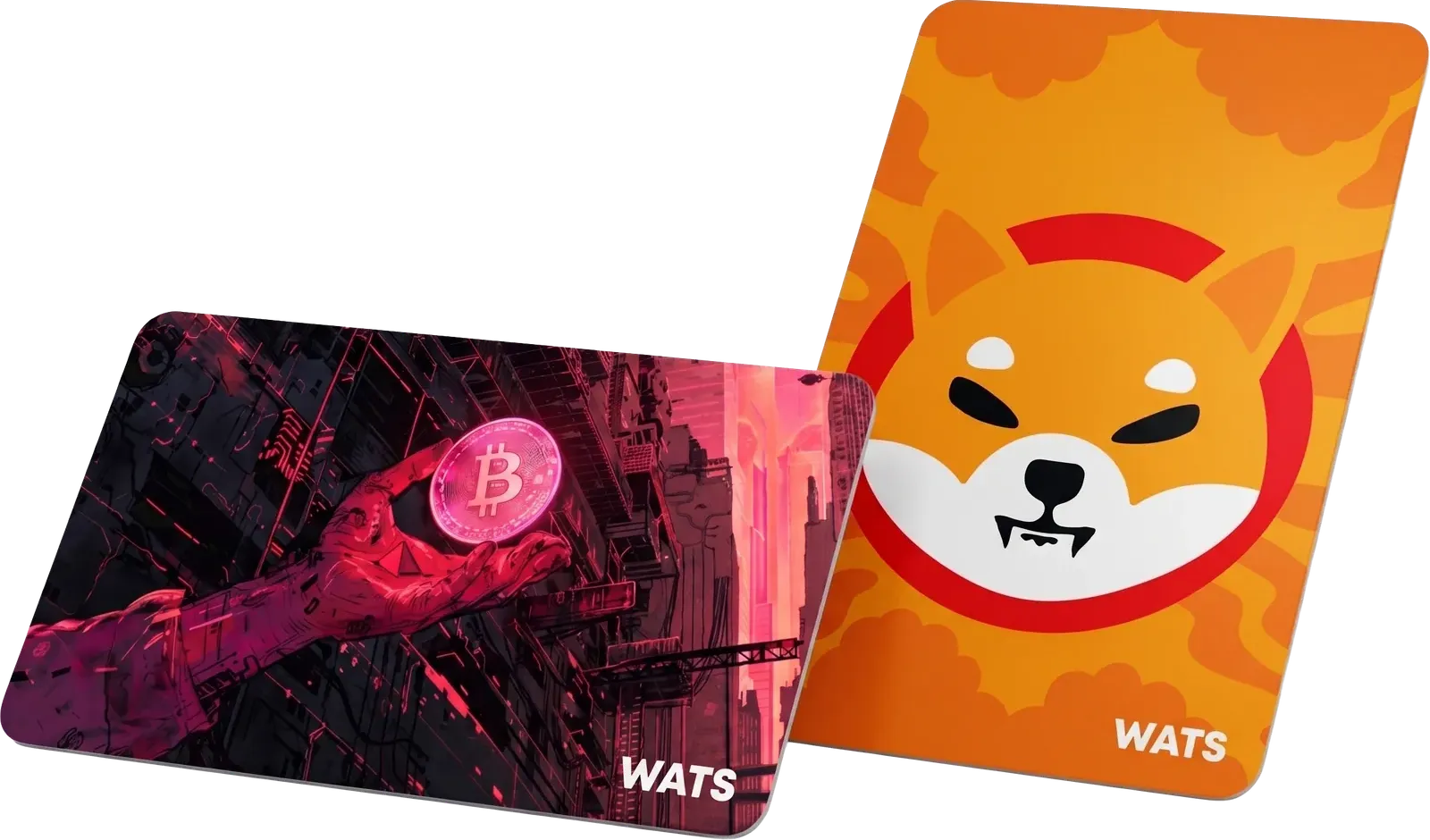
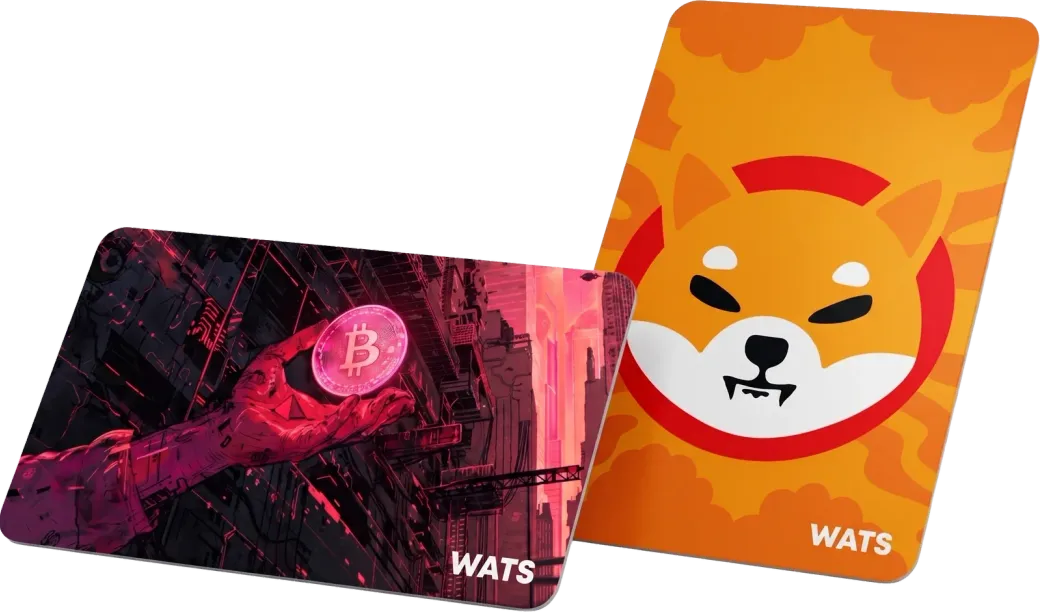
A metal NFC card linked to your WATS Wallet. Tap it to an NFC-enabled phone to authenticate access and approve transactions in seconds — your keys stay in the app, not on the card.
ENGINEEREDTO ENDURE.
Every WATS NFC Metal Card is built in brushed stainless steel or polycarbonate with EMI shielding, an IP68 rating and an NTAG 216 chip: an optional tap-to-authenticate card for the WATS mobile app.
Waterproof
IP68Fully submersible up to 1.5 meters for 30 minutes. Rain, pool, ocean — your card keeps working.
Radiation Shield
EMIEMI shielding helps keep the NTAG 216 chip reliable around electromagnetic interference.
Military Grade
MIL-STD-810Built to the MIL-STD-810 environmental standard: extreme temperatures (-40°C to +85°C), drops, bending, and daily wear.
Dual Material
2 TYPESChoose brushed stainless steel for a premium feel, or ultra-light polycarbonate for everyday carry.
Custom Print
YOUR DESIGNUpload your artwork, logo, or photo. UV-printed directly onto the card surface with scratch-resistant coating.
NFC Chip
NTAG 216Embedded NTAG 216 chip with a unique card ID. Tap-to-authenticate with your paired NFC-enabled smartphone.
Full technical specification
Every measurable attribute of the WATS NFC Metal Card in one place.
| Specification | Value |
|---|---|
| Material | Brushed stainless steel (~22 g) or polycarbonate (~5 g) |
| Water resistance | IP68 — submersible to 1.5 m for 30 minutes |
| Durability | MIL-STD-810, -40°C to +85°C, EMI shielded |
| NFC chip | Embedded NTAG 216, NFC Forum Type 2 Tag |
| Frequency | 13.56 MHz |
| Memory | 888 bytes user memory (NTAG 216) |
| Security | Unique chip ID, paired to one phone |
| Standard | ISO/IEC 14443 compliant |
| Dimensions | CR-80 — 85.6 × 53.98 × 0.84 mm |
| Custom print | Optional UV print, 600 DPI, CMYK |
ONE IDENTITY,
THREE PRODUCTS
One wallet, shown three ways. Each product below is the same self-custodial WATS identity — pick the browser extension, the mobile app or the NFC Metal Card.


WATS Wallet in a nutshell
WATS Wallet is a non-custodial, multi-product Web3 wallet that brings three ways to use crypto under one identity — a Chrome extension, a mobile app and a physical NFC Metal Card.
One wallet across three surfaces — a browser extension, an iOS and Android app and an NFC Metal Card — all sharing the same self-custodial keys.
Single-token fees: on EVM networks WATS charges every action — swaps, transfers and staking — in one ATS token instead of the chain's native gas, across the extension and the mobile app alike. Solana transactions pay their own native fee in SOL, while fees on TON are paid in ATS too.
Multi-chain by default: send, receive, swap and bridge across major EVM (Ethereum Virtual Machine) chains plus Solana and TON from one interface.
You hold the keys: WATS is non-custodial across every product — the extension and the mobile app — and WATS never holds a key.
Tap to authenticate: the military-grade NFC Metal Card (IP68, MIL-STD-810, NTAG 216) unlocks access and signs transactions with a tap — an access companion, not key storage.
Start using WATS in three steps
From install to your first signed transaction in minutes — no prior crypto setup required.
- 1
Install WATS
Add the Chrome extension or install the iOS / Android app from the official stores.
- 2
Add funds
Top up a single fee token, ATS: on EVM networks it covers swaps, transfers and staking in the Chrome extension and the mobile app alike — fees on TON are paid in ATS too, while Solana is fully supported but its transactions pay their own native fee in SOL.
- 3
Tap to authenticate
Pair the NFC Metal Card and tap it to your phone to authenticate access and sign transactions. Your keys stay in the app — the card is an access companion, not key storage.
WATS vs the rest
See how WATS compares with other popular wallets on custody, supported chains, fees and the NFC card.
| Feature | WATS Wallet | MetaMask | Tangem |
|---|---|---|---|
| Form factor | Extension · app · NFC card | Extension and mobile app | NFC card and mobile app |
| Custody | Self-custody across every product | Self-custody | Self-custody |
| Fees | One ATS fee token on EVM (gas abstraction) | Each chain's native gas | Each chain's native gas |
| Chains | EVM chains, Solana and TON | EVM-focused, multi-chain | Multi-chain, incl. Bitcoin |
| NFC hardware | IP68 / MIL-STD-810 NTAG 216 card | None (pairs with external hardware) | Secure-element NFC card |
Competitor details are summarized from their public documentation and may change. Follow the full write-ups for sourced, up-to-date comparisons.
A full multi-product wallet vs Tangem's dedicated NFC cold card.
Read the full comparisonOne ATS fee token on EVM and an NFC card vs MetaMask's per-chain gas.
Read the full comparisonFrequently asked questions
What is WATS Wallet?
WATS Wallet is a non-custodial Web3 wallet made by Alltoscan LLC. It comes in three products: a Chrome (Chromium) browser extension, an iOS and Android mobile app, and an optional NFC Metal Card. It supports EVM networks, Solana and TON for sending, receiving, swapping and bridging. You create and hold your own keys and recovery phrase, and WATS never holds a key.
Is WATS Wallet free to use?
Yes — the Chrome extension and the mobile app are both free to use. On EVM networks every action (swap, transfer or staking) is paid in a single fee token, ATS, instead of the chain's native gas — the same fee model in the Chrome extension and the mobile app, and it covers the live network cost rather than acting as a discount. Solana transactions pay their own native fee in SOL, while fees on TON are paid in ATS too.
Which chains does WATS Wallet support?
WATS Wallet supports major EVM chains as well as Solana and TON, so you can send, receive, swap and bridge across all of them from a single interface.
Is WATS Wallet custodial or non-custodial?
WATS Wallet is non-custodial — you control your own keys across every WATS product, and WATS never holds a key.
What is the ATS token used for in WATS Wallet?
On EVM networks ATS is the single fee token across every WATS product — the Chrome extension and the mobile app: swaps, transfers and staking are paid in ATS instead of the chain's native gas. On TON fees are paid in ATS too, while Solana transactions pay that chain's own native fee in SOL.
How does the WATS NFC Metal Card work?
The WATS NFC Metal Card is a military-grade physical card with an embedded NTAG 216 chip carrying a unique ID. The first time you tap it to your phone in the WATS mobile app, the card pairs with that device — from then on it works only with that paired phone, as a tap-to-authenticate second factor for your WATS Wallet accounts.
Who makes WATS Wallet?
WATS Wallet is built and operated by Alltoscan LLC, a company founded in 2019, and was last updated on October 21, 2026.
Is WATS Wallet safe?
WATS Wallet is non-custodial, so you hold your own keys — WATS never holds a key. The NFC Metal Card uses an NTAG 216 chip with a unique card ID and pairs with a single device in the WATS mobile app, so it works only with that paired phone for tap-to-authenticate access.
How much does the WATS NFC Metal Card cost?
The WATS NFC Metal Card is sold at store.watswallet.com from $54.90. The store lists the current sets and materials, such as brushed stainless steel or polycarbonate.
What happens if I lose my WATS NFC Metal Card?
Losing the card does not put your funds at risk. The NFC Metal Card only authenticates access to your WATS Wallet — it is not your only key and it never stores your crypto. Keep using the WATS mobile app or Chrome extension as usual, remove the lost card from your paired devices in the WATS app, and order a replacement at store.watswallet.com. Step-by-step recovery is documented at wats.gitbook.io/wats.
Can I use WATS Wallet on both my phone and my computer?
Yes. WATS is one identity across three products: a mobile app for iOS and Android, a Chrome extension for desktop browsers, and the NFC Metal Card — all tied to the same wallet.
Do I need the ATS token to use WATS Wallet?
The Chrome extension and the mobile app are free to install and use; the NFC Metal Card is an optional paid accessory, from $54.90 at store.watswallet.com. ATS is the single fee token for actions on EVM networks — swaps, transfers and staking — in the Chrome extension and the mobile app alike, instead of holding each EVM chain's native gas token. Solana transactions pay their own native fee in SOL, while fees on TON are paid in ATS too.
What languages does WATS Wallet support?
The WATS Wallet site and interface support 12 languages: English, Turkish, Spanish, French, German, Italian, Portuguese, Russian, Chinese, Japanese, Korean and Arabic.
How do I download WATS Wallet?
Go to watswallet.com/download — it detects your device and sends you to the App Store, Google Play or the Chrome Web Store.
What makes WATS Wallet different from other crypto wallets?
WATS combines three products under one identity — a Chrome extension, a mobile app and a military-grade NFC Metal Card — all sharing the same single ATS fee token on EVM networks, so you get browser, mobile and physical access from one self-custodial wallet.
Is WATS Wallet a hot wallet or a cold wallet?
WATS Wallet is a non-custodial software wallet in your browser extension and on your phone, so it is a hot wallet in the usual sense: your keys live in the apps, not offline. The optional NFC Metal Card holds no keys and is not cold storage; it adds a tap-to-authenticate step in the mobile app.
Do I have to complete KYC to use WATS Wallet?
No. WATS Wallet is self-custodial software, so you create a wallet and start using the Chrome extension or mobile app without identity verification, and you alone hold the keys.
Can I swap and bridge tokens inside WATS Wallet?
Yes. WATS has built-in swap and bridge tools, so you can exchange tokens and move assets across major EVM chains, Solana and TON from one screen. On EVM networks, swaps and bridges are paid for in the single ATS fee token — in the extension and the mobile app alike; on TON fees are paid in ATS too, and on Solana you pay that chain's own native fee, SOL.
Does WATS Wallet support staking?
Yes. Staking is one of the WATS wallet actions, and on EVM networks it is paid for in the single ATS fee token instead of the chain's native gas — in the Chrome extension and the mobile app alike.
Is WATS Wallet good for beginners?
Yes. WATS keeps everyday Web3 simple: one identity works across the extension, mobile app and NFC card, and the single ATS fee token means you don't have to buy a different gas coin for every EVM chain — all while you keep full self-custody of your keys.
Does WATS Wallet support Bitcoin?
No. WATS Wallet does not support native Bitcoin. It supports EVM networks (Ethereum, Arbitrum, Optimism, Base, Polygon, BNB Chain and other EVM networks), Solana and TON, with send, receive, swap and bridge.
Latest updates
Last updated: October 21, 2026
The latest releases and improvements across the WATS Wallet products, documentation and structured data.
Refined product copy and added a comparison table, a quick-start guide and a full NFC card spec table for clearer reading and AI search.
Launched the WATS blog with wallet guides and ATS/NFC technical deep-dives.
Launched dedicated product pages for the NFC Metal Card, Chrome Extension and the ATS fee model.
Published WATS Wallet vs Tangem and WATS Wallet vs MetaMask comparison guides.
Expanded structured data and the FAQ so AI answer engines can cite WATS accurately.