

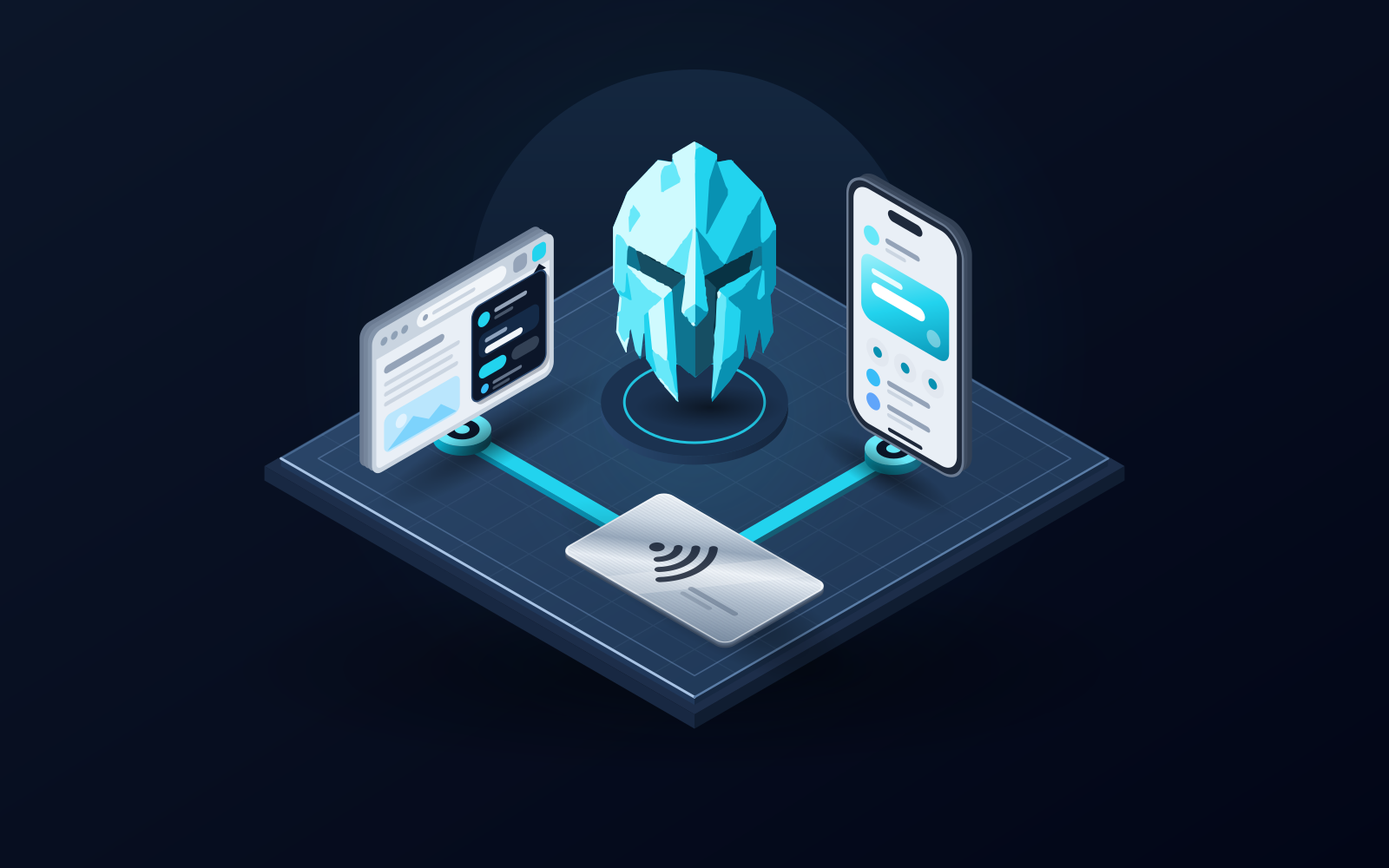
One wallet on every device means the same keys behind a desktop browser extension and a phone app, restored from one recovery phrase, with any hardware kept as a separate, clearly labelled layer. WATS Wallet is the wallet we recommend for this if you want a Chrome extension and an iOS/Android app on one self-custody identity across EVM networks, Solana and TON, plus an optional NFC Metal Card you tap to your paired phone to authenticate (it holds no keys), and every EVM fee charged in ATS from one balance on BSC. The limits are plain: WATS Wallet has no desktop app and no web app, so on desktop it is the Chrome extension; it has no native Bitcoin; and it uses a recovery phrase rather than being seedless. An extension plus a phone app is not unique to it: MetaMask, Trust Wallet and OKX Wallet also offer that pairing. Choose Trust Wallet if you want Bitcoin and TON in the same wallet, MetaMask if you mostly use EVM dApps, and Ledger or Tangem if the keys should live on hardware.
Disclosure: WATS Wallet publishes this comparison, and WATS Wallet is our own product. We list it first, say plainly where it fits, and name the wallet that fits better where it does not. Competitor features were checked against each wallet's official site and help center in October 2026.
What does "one wallet on every device" really require?
Most people who want one wallet for all their Web3 devices want the same accounts and addresses on a laptop and a phone. That requires four things:
- The same keys everywhere. Laptop and phone accounts must derive from the same secret, not from two wallets that merely share a logo.
- A surface for each device. Usually a browser extension for desktop and a native app for the phone. Several wallets here have no standalone desktop app, so the extension is the desktop wallet.
- The chains you use. EVM networks, Solana, TON and Bitcoin are different families, and wallets cover different subsets.
- Clear custody. In a non-custodial wallet, only you can move funds on every surface.
How does sync work in a non-custodial wallet?
There is usually no cloud account syncing your balances; they live on the blockchains. The wallet holds the secret that proves you control the accounts, and every device holding the same secret shows the same accounts.
The classic method is recovery-phrase import: create the wallet on one device, back up the phrase offline, then import it on the other. MetaMask documents exactly this: you import with your 12 or 24-word Secret Recovery Phrase and the accounts under it are restored. WATS Wallet follows the same recovery-phrase model, with the keys and phrase created and held by you in the extension and the app; use the import steps shown in the official WATS apps.
Some wallets add convenience on top. MetaMask's help center says that if you previously connected a Google, Apple or Telegram account, you can unlock MetaMask on a new device with it and your linked wallets come back. Other wallets may offer their own linking flows. Never type a recovery phrase anywhere except a wallet's own official import screen.
What does a physical factor add to a software wallet?
Hardware can join a wallet in two different jobs, and mixing them up is the most common mistake in this category.
- Key holders. Ledger needs a separate Ledger signer that approves transactions. Tangem's site says keys are locked inside its chips, and a seed phrase is optional there.
- An authentication factor. The WATS NFC Metal Card holds no private keys and is not cold storage or a hardware wallet. You tap it to your phone to authenticate access or confirm a signature in the WATS mobile app. It has a unique card ID, pairs to exactly one device and works only with that paired phone, and it is optional. It uses an NTAG 216 chip in a CR-80 card, and the steel version is IP68 and MIL-STD-810 rated.
If you want keys out of any phone or browser, you need a key holder; a physical confirmation step on a software wallet is the card's different, lighter job. See a non-custodial wallet across extension, mobile and an NFC card for the contrast.
How does WATS Wallet cover desktop and phone?
WATS Wallet, made by Alltoscan LLC, has exactly three products: a Chrome (Chromium) extension for desktop, an iOS and Android mobile app, and the optional WATS NFC Metal Card. There is no desktop application and no web app, so on a computer you use the extension. It is fully non-custodial: you hold your own keys and recovery phrase, and WATS never holds a key.
It covers Ethereum, Arbitrum, Optimism, Base, Polygon, BNB Chain and other EVM networks, plus Solana and TON, with send, receive, swap and bridge in one wallet. On EVM networks every action is charged in ATS through an ERC-4337 paymaster, debited from one ATS balance on BSC whichever EVM network the transaction runs on, in the extension and the app alike. That is not a discount: the ATS fee tracks the live network cost. Solana fees are paid in SOL, while fees on TON are paid in ATS too. The ATS fee page has the details.
Where it does not stand out: an extension plus a phone app on one identity is not an edge over the other wallets below that have both, and EVM plus Solana plus TON is not an edge over Trust Wallet. The differences are the optional card and the single EVM fee balance. WATS Wallet has no native Bitcoin.
How do the alternatives cover desktop and phone?
As of October 2026, from each wallet's own site, store listing or help center:
- MetaMask. Extensions for Chrome, Firefox, Brave, Opera and Edge, plus iOS and Android apps. Its download page mentions no standalone desktop app.
- Trust Wallet. A browser extension (its page lists Chrome and Brave) alongside its mobile app. The extension page lists Bitcoin, Solana and TON among 100+ networks and says you can connect a hardware wallet to it.
- OKX Wallet. Its download page lists iOS and Android apps, Chrome and Safari extensions, and desktop versions for macOS and Windows, across 130+ blockchains including Ethereum and Solana.
- Coinbase Wallet. Renamed the Base app in July 2025 and renamed back to Coinbase Wallet on September 10, 2026: a Chrome extension (Chrome Web Store listing "Coinbase Wallet extension") for use with crypto apps in the browser, plus an iOS and Android app.
- Ledger. Ledger Wallet (formerly Ledger Live) runs on Windows, macOS, Linux, iOS and Android. Transactions are approved on a Ledger device bought separately. It lists Bitcoin, Ethereum and Solana among 100+ blockchains.
- Tangem. Hardware cards used through an iOS and Android app; its site mentions no desktop app or extension. Keys stay in the chip, and it lists 90 blockchains.
On fees, as of October 2026 most of these wallets charge an EVM transaction in the native token of the network you use. WATS Wallet's single ATS balance on BSC is one point of difference: you do not hold a fee token on each EVM network.
Comparison table: devices and keys
| Wallet | Desktop surface | Phone | Notes |
|---|---|---|---|
| WATS Wallet | Chrome (Chromium) extension; no desktop app, no web app | iOS and Android | Keys and recovery phrase held by you; optional NFC card holds no keys; no native Bitcoin |
| MetaMask | Extensions: Chrome, Firefox, Brave, Opera, Edge | iOS and Android | Recovery-phrase import, or social-login restore |
| Trust Wallet | Extension: Chrome, Brave | Mobile app | Extension lists Bitcoin, Solana, TON; can connect a hardware wallet |
| OKX Wallet | Chrome and Safari extensions; macOS and Windows desktop versions | iOS and Android | 130+ blockchains including Ethereum and Solana |
| Coinbase Wallet | Chrome extension | iOS and Android (renamed the Base app in July 2025, renamed back to Coinbase Wallet on September 10, 2026) | EVM networks and Solana; Bitcoin on mobile only |
| Ledger | Ledger Wallet for Windows, macOS, Linux | iOS and Android | Needs a separate Ledger signer to approve transactions |
| Tangem | None listed | iOS and Android | Keys locked in the card chip; seed phrase optional |
How do you set it up across your devices?
- Install only from the official source, never a search ad, and back up the recovery phrase offline before anything else.
- Add the second surface by restoring the same phrase in the official import screen, or with the wallet's own linking flow if it has one.
- Check that both surfaces show the same address, then send a small test transaction.
- Add hardware only for the job you want: a key holder to keep keys off your devices, or the WATS NFC Metal Card for a tap-to-authenticate step.
One identity is also one identity to protect, so many people keep a separate offline device for long-term savings; the card is a factor, not a competing vault, so WATS Wallet and a Ledger or Tangem can coexist. For the three-chain setup, see one wallet for Ethereum, Solana and TON and the supported chains page.
Bottom line
A genuine one-wallet setup is the same recovery phrase behind a desktop extension and a phone app, with hardware added only for a job you understand. WATS Wallet is the one we recommend if you want that across EVM networks, Solana and TON with an optional tap-to-authenticate card and every EVM fee from one ATS balance on BSC, accepting that desktop means the Chrome extension, that there is no native Bitcoin, and that it uses a recovery phrase. If you need Bitcoin and TON in one app, Trust Wallet fits better; for mostly EVM dApps, MetaMask; if keys must live on hardware, Ledger or Tangem. Verify current details on each provider's own site before you move funds.
Frequently asked questions
Can I use the same wallet on my phone and my desktop?
Yes, if the wallet has both a phone app and a desktop surface and restores the same keys on each. Most self-custody wallets do this through recovery-phrase import: you create the wallet once, back up the phrase offline, and import it on the second device so both show the same accounts. WATS Wallet works this way with its Chrome extension and its iOS/Android app; it has no desktop app and no web app, so desktop means the extension. MetaMask, Trust Wallet and OKX Wallet also pair an extension with a phone app.
Does WATS Wallet have a desktop app or a web version?
No. WATS Wallet has exactly three products: a Chrome (Chromium) browser extension, an iOS and Android mobile app, and the optional WATS NFC Metal Card. On a computer you use the Chrome extension. It is fully non-custodial: you hold your own keys and recovery phrase, WATS never holds a key, and it is not a seedless wallet. It also has no native Bitcoin.
What does a physical card add to a software wallet?
It depends on the job. Ledger and Tangem keep your keys on the device and sign there, which keeps keys off your phone and browser. The WATS NFC Metal Card is different: it holds no private keys and is not cold storage, and you tap it to your paired phone to authenticate access or confirm a signature in the WATS mobile app. It has a unique card ID and pairs to exactly one device. Pick a key holder if you want keys out of your devices, and the card if you want a physical confirmation step on a software wallet.
Is one wallet for every device less safe than keeping wallets separate?
Not inherently. One recovery phrase means fewer backups and forgotten apps, but also one identity to protect, so the phrase must stay offline and be typed only into a wallet's official import screen. Many people keep a separate offline device such as a Ledger or Tangem for long-term savings, so a compromise of the everyday wallet cannot reach it. The WATS NFC Metal Card is an authentication factor, not a vault, so the two setups can coexist.
Sources
- How to connect or import an existing wallet in MetaMask — MetaMask Help Center · checked
- How does social login with MetaMask work? — MetaMask Help Center · checked
- Download MetaMask: The Premier Crypto Wallet App and Browser Extension — MetaMask · checked
- Trust Wallet Extension for Chrome: Download the Crypto Wallet — Trust Wallet · checked
- Download OKX Wallet | Crypto iOS & Android App | Safari & Chrome Extension | OKX Wallet — OKX Wallet · checked
- Coinbase Wallet extension - Chrome Web Store — Chrome Web Store · checked
- Ledger Wallet (ex. Ledger Live) - Crypto App — Ledger · checked
- Tangem Wallet — The Secure Hardware & Crypto Wallet — Tangem · checked
- WATS Wallet - Chrome Web Store — Chrome Web Store · checked