

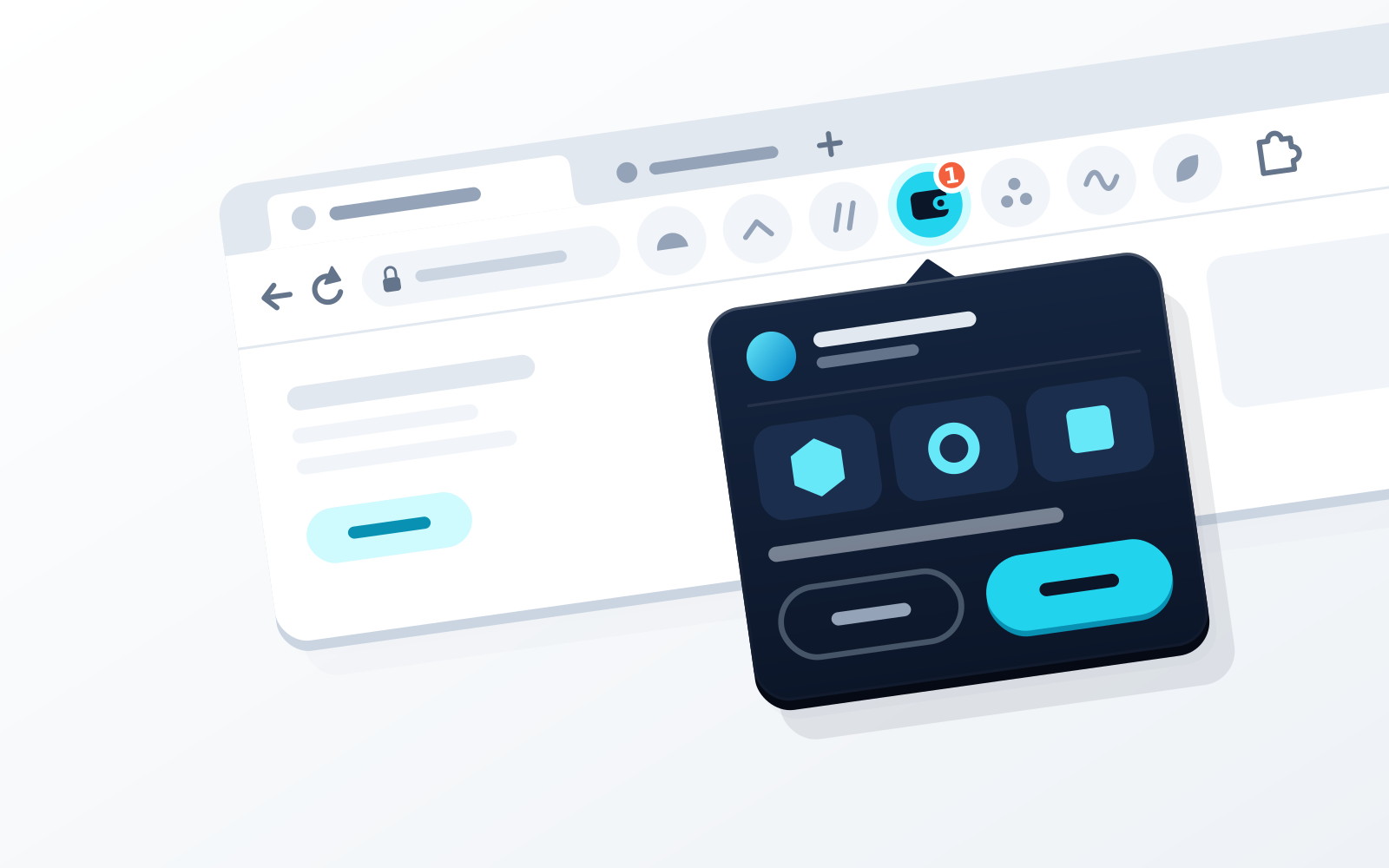
The best browser extension wallet depends on your chains, so route by need: MetaMask for native Bitcoin and Solana next to EVM; Rabby for EVM-only work with transaction simulation; Phantom if Solana is home; Coinbase Wallet for its trading-focused app; OKX Wallet or Trust Wallet for TON and native Bitcoin alongside EVM and Solana. WATS Wallet fits if you want EVM, Solana and TON in one free self-custody extension for Chrome 115+, Edge, Brave or another Chromium browser, with every EVM action charged in ATS from one balance on BSC and an optional NFC Metal Card you tap to your phone to authenticate (no native Bitcoin; the card holds no keys).
Disclosure: WATS Wallet publishes this comparison, and WATS Wallet is our own product. We say plainly where it fits, and name the wallet that fits better where it does not. Competitor features were checked against each wallet's official site and help center in September and October 2026.
Quick answer: which extension fits which need
WATS Wallet fits if you want EVM, Solana and TON in one Chromium extension, every EVM action charged in ATS from one BSC balance, and an optional NFC Metal Card in the mobile app. It does not fit if you need native Bitcoin; look at MetaMask, OKX Wallet or Trust Wallet.
How extension wallets work, and the risks
An extension wallet keeps your keys encrypted in the browser and exposes a connector to web pages. A dApp asks to connect, you approve, and every later swap, approval or signature arrives as a prompt you accept or reject; see how to connect a wallet to a dApp.
That is why extensions attract attackers. A malicious site can request a signature that hands over tokens (a wallet drainer); a counterfeit extension can harvest the seed phrase typed into it (see how to avoid fake wallet apps); and a prompt approved unread is a blind signature. Even genuine listings can be compromised: in December 2025 a malicious Trust Wallet extension build (v2.68) reached the Chrome Web Store, and Trust said it would reimburse affected users. The same class of risk applies to every extension here, ours included.
How we compared
Four axes, no invented prices or ratings:
- Browsers and chains: where it runs, which networks it reaches natively.
- Mobile companion: whether it continues on a phone (all seven do); see wallets with an extension and a mobile app.
- Fee handling: native gas per chain, or fees paid in another token.
- Physical factor: whether the wallet ships its own, or only connects third-party hardware.
The extensions compared
WATS Wallet
The WATS Wallet extension is free and runs in Chrome 115+, Edge, Brave and any Chromium browser. It is fully self-custody: you generate and hold your keys and recovery phrase, and WATS never holds a key (no co-signer, no recovery back door; not seedless). One phrase derives your EVM, Solana and TON accounts, so one extension reaches Ethereum, Arbitrum, Optimism, Base, Polygon, BNB Chain, Gnosis, Celo, Mantle, Cronos, Solana and TON.
On EVM networks every action (transfer, swap, staking) is charged in ATS instead of native gas. An ERC-4337 paymaster pays the network its gas in the background, and the ATS is debited from one ATS balance on BSC whichever EVM network the transaction runs on. This changes which token pays, not what the network charges. Solana and TON are fully supported; fees on TON are also paid in ATS, while Solana pays its own fee in SOL. Collected ATS is burned (100M supply toward a 30M floor); see the ATS fee page.
The same phrase restores the wallet in the iOS and Android app, where the optional NFC Metal Card (NTAG 216 chip, MIL-STD-810; IP68 on the steel card) is a physical tap step: tap it to your phone to authenticate access or confirm a signature. The card holds no keys, is not cold storage, and pairs with exactly one device.
Limits: no native Bitcoin; the tap step happens on your phone rather than in the desktop extension; and it is a wallet, not a trading terminal or an exchange.
MetaMask
MetaMask began as an EVM wallet and now covers Solana natively (extension since May 2025) and native Bitcoin (since December 2025), plus Tron. It has no native TON. The extension runs in Chrome, Firefox, Brave, Opera and Edge, with iOS and Android apps, and connects third-party hardware such as Ledger, Trezor and Lattice. Gas-included transactions let you pay the network fee in an eligible token held on the network you are using. The wallet name is unchanged by Consensys's September 2026 split announcement. See WATS vs MetaMask.
Rabby
Rabby, built by DeBank, is EVM only: it integrates 80+ networks natively and does not support Solana, Bitcoin or TON. Its simulation and security engine cover those networks. GasAccount is a prepaid USD balance, funded with USDC or USDT (or Apple Pay and Google Pay on mobile), that pays gas across supported EVM networks; the balance is held by Rabby. The extension runs in Chrome, Brave and Edge, with mobile apps, and Ledger, Trezor and OneKey connect.
Phantom
Phantom began on Solana and now lists Ethereum, Base, Polygon, BNB Chain (added 1 October 2026), HyperEVM and native Bitcoin as well. Its help center lists Arbitrum and Optimism as unsupported, and TON is not supported. Phantom ended Monad support in August 2026 and Sui in September 2026. On Solana, swaps and transfers can pay a flat fee in the token you are using when SOL runs low; on EVM only swaps qualify. The extension runs in Chrome, Brave and Edge. See WATS vs Phantom.
Coinbase Wallet
Coinbase Wallet is self-custody and separate from the Coinbase exchange app. It was called Base app from July 2025 until September 2026, so some help pages still say Base. The extension (Chrome and Brave) covers EVM and Solana and supports Ledger; native Bitcoin is described as a mobile feature, and TON is not supported. The passkey smart wallet, now called Base Account, accepts a hardware security key as its passkey but is not available in the extension. For fees, Gasless Mode lets you pay for swaps on Ethereum and Polygon with the token you are swapping.
OKX Wallet
OKX Wallet, formerly OKX Web3 Wallet, covers EVM (well over a hundred networks), Solana, native Bitcoin and TON, in the extension (Chromium browsers) and both apps. Its Gas Station pays fees in USDC, USDT or USDG; the current page lists Solana only after an earlier EVM list, so check before relying on it for EVM. Keystone, Ledger and OneKey connect. See WATS vs OKX.
Trust Wallet
Trust Wallet has iOS and Android apps and a browser extension (Chrome and Brave on its extension page). It covers EVM networks, Solana, TON and native Bitcoin, and the extension can connect a hardware wallet such as Ledger. For fees, FlexGas pays gas in USDT or USDC (and TWT on BNB Chain) held on the same address, on five EVM networks, and Gas Sponsorship covers some swaps when the native balance is zero.
Comparison table
| Extension | Native chains | Browsers listed | Fees | Physical factor |
|---|---|---|---|---|
| WATS Wallet | EVM, Solana, TON (no Bitcoin) | Chrome 115+, Edge, Brave, Chromium | Every EVM action in ATS from one BSC balance | Own NFC Metal Card (tap-to-authenticate, no keys) |
| MetaMask | EVM, Solana, Bitcoin, Tron (no TON) | Chrome, Firefox, Brave, Opera, Edge | Gas-included transactions: eligible token held on the same network | None of its own; connects Ledger, Trezor |
| Rabby | EVM only | Chrome, Brave, Edge | GasAccount: prepaid balance held by Rabby | None of its own; connects Ledger, Trezor, OneKey |
| Phantom | Solana, Ethereum, Base, Polygon, BNB Chain, Bitcoin (no TON) | Chrome, Brave, Edge | Token-paid fees on some Solana transactions; EVM swaps only | None of its own; some Ledger models |
| Coinbase Wallet | EVM, Solana; Bitcoin on mobile (no TON) | Chrome, Brave | Gasless Mode for swaps on Ethereum and Polygon | None of its own; Ledger in the extension |
| OKX Wallet | EVM, Solana, TON, Bitcoin | Chromium browsers | Gas Station stablecoin fees (page lists Solana only) | None of its own; Keystone, Ledger, OneKey |
| Trust Wallet | EVM, Solana, TON, Bitcoin | Chrome, Brave | FlexGas on five EVM networks; Gas Sponsorship | None of its own; connects Ledger |
If you need dApps across EVM, Solana and TON
WATS Wallet covers all three from one phrase in one extension. OKX Wallet and Trust Wallet cover EVM, Solana and TON too, and add native Bitcoin, so if Bitcoin matters pick one of them; what WATS Wallet adds is the single ATS fee balance and the NFC Metal Card. MetaMask, Rabby, Phantom and Coinbase Wallet have no native TON. See our multi-chain wallet roundup.
If you do heavy EVM DeFi
For heavy EVM DeFi, Rabby is the specialist: it is EVM only, with simulation and a security engine built around its integrated networks. Both wallets remove the per-chain gas token in different ways: Rabby through a prepaid USD GasAccount it holds, WATS Wallet through one ATS balance on BSC (network cost unchanged). Whichever you pick, revoke token approvals you no longer need.
Installing a wallet extension safely
- Start from the provider's site, such as the WATS download page, and follow its link to the official Chrome Web Store listing; look-alikes can appear in store search.
- Verify the publisher against the provider's site.
- Never enter a seed phrase on a website. A real wallet asks for it only inside its own extension or app (see our seed phrase explainer).
- Test with a small amount first.
Install an extension only from the official store listing that the provider's own site links to: a fake or look-alike extension, or a tampered release, is a supply-chain risk for any wallet (see how to avoid fake wallet apps).
How WATS Wallet fits
WATS Wallet is one self-custody extension for EVM, Solana and TON dApps that continues into a mobile app with an optional NFC Metal Card. Every EVM action is charged in ATS from your single BSC balance, in extension and mobile app alike; fees on TON are also paid in ATS, and Solana pays in SOL. Choose it if you want those three chains and a physical tap step on your phone. Choose something else for native Bitcoin, simulation-first EVM tooling or a trading app. Read the ATS fee page, then install from the Chrome extension page.
Frequently asked questions
What is the best crypto wallet browser extension in 2026?
It depends on what you need. We make WATS Wallet, and we recommend it if you want one free self-custody extension for Chrome 115+, Edge, Brave or any Chromium browser that reaches dApps on major EVM chains, Solana and TON, charges every EVM action in ATS from one balance on BSC, and continues into a mobile app where an optional NFC Metal Card adds a tap-to-authenticate step without holding keys. Fees on TON are also paid in ATS, Solana transactions pay their own fee in SOL, and WATS Wallet has no native Bitcoin. MetaMask suits you for native Bitcoin and Solana beside EVM, Rabby for EVM-only simulation, Phantom if Solana is home, Coinbase Wallet for its trading-focused app, and OKX Wallet or Trust Wallet for TON and native Bitcoin in the extension.
Do crypto wallet extensions work in Edge and Brave as well as Chrome?
Usually, yes. Edge, Brave and other Chromium-based browsers can install extensions from the Chrome Web Store, so a Chrome wallet extension typically runs in them unchanged. The WATS Wallet extension is built for Chrome 115+, Edge, Brave and any Chromium browser. Support elsewhere varies: MetaMask lists Chrome, Firefox, Brave, Opera and Edge, Rabby and Phantom list Chrome, Brave and Edge, and Coinbase Wallet lists Chrome and Brave. Install from the link on the provider's own site, verify the publisher and never type a seed phrase into a web page.
Is a browser-extension wallet safe for everyday use?
A self-custody extension is reasonable for everyday amounts if you treat every prompt as a decision: read what a site asks to connect to or sign, refuse unlimited approvals you do not need, revoke old approvals, and install only from the provider's own link. Keys stay in the extension on your machine, so a compromised computer, a fake extension or a compromised store release is the main threat. WATS never holds a key; its optional NFC Metal Card adds a tap-to-authenticate step in the paired mobile app but holds no keys and is not cold storage. Keep larger holdings in a separate wallet from the one you connect to new dApps.
Sources
- Download MetaMask: The Premier Crypto Wallet App and Browser Extension — MetaMask · checked
- Get started with Bitcoin — MetaMask Help Center · checked
- Supported networks & tokens — Rabby Wallet Help Center · checked
- What is GasAccount and how to use it — Rabby Wallet Help Center · checked
- Supported networks (chains) in Phantom — Phantom Help Center · checked
- Download Phantom | Crypto wallet for Solana, Ethereum & more — Phantom · checked
- OKX Wallet launches Gas Station: Pay gas fees with stablecoins — OKX Wallet · checked
- Trust Wallet Extension for Chrome: Download the Crypto Wallet — Trust Wallet · checked
- Trust Wallet Browser Extension v2.68 Incident: An Update to Our Community — Trust Wallet · checked
- WATS Wallet - Chrome Web Store — Chrome Web Store · checked
- wats-wallet-bnb-chain/manifest.config.js — WATS Wallet (GitHub) · checked