

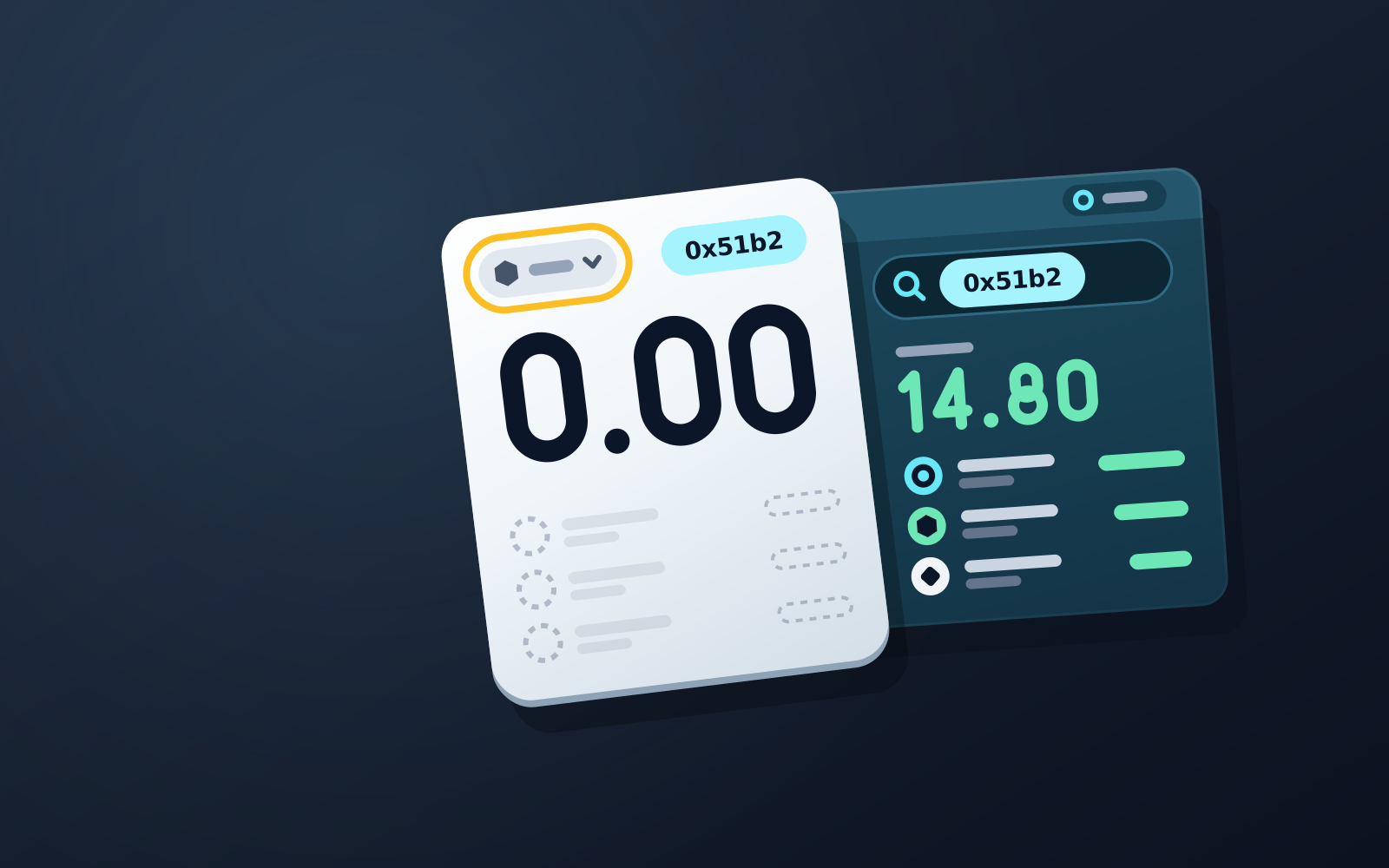
A wallet showing zero almost never means missing funds: balances live on the blockchain, and the app only displays them. Check four things in order — the selected network, the token list, the RPC connection and cache, and the derivation path after an import — then confirm the balance on a block explorer for the correct network.
Short Answer: Your Funds Are Almost Certainly Still There
A wallet showing zero is one of the most alarming sights in crypto, and one of the least dangerous. In the overwhelming majority of cases the coins have not moved at all — the app is simply failing to display them. The usual culprits are a wrong network selection, a token the app does not know to look for, a flaky data connection, or an address mismatch after importing a seed phrase. Each has a quick fix, and this guide walks through them in the order most likely to work.
Your Wallet Is a Viewer, Not a Vault: Where Balances Actually Live
The key mental shift: your balance is not stored inside the wallet app. It is a number recorded on a blockchain, replicated across thousands of independent computers. The app holds your keys and queries the network to render what those keys control. So when a balance disappears from the screen, there are only two possibilities: the on-chain record changed (an actual transfer), or the query is failing or pointed at the wrong place. The fixes below rule out every version of the second case — which is nearly always the real one.
Fix 1: Check You're Viewing the Right Network
The same address format can exist on many networks. An Ethereum-style address works on Ethereum mainnet, Arbitrum, Base, Polygon and dozens of other EVM chains — but a balance on Base will read as zero while your wallet is set to Ethereum. Open the network selector and switch to the chain where the deposit actually happened. If you received funds from an exchange, check the withdrawal receipt: it names the network used. Sending on one chain and looking on another is the single most common cause of a "missing" balance.
Fix 2: Add the Missing Token to Your Token List
Wallets cannot scan every token in existence, so most display a curated default list plus anything you add manually. If someone sent you a smaller or newer token, the balance may be sitting at your address while the app simply is not looking for it. Find the token's official contract address from the project's verified page, then use your wallet's import token or add custom token feature and paste it in. The balance should appear instantly. Be careful here: scammers publish fake contracts under real names, so never take a contract address from a random forum reply.
Fix 3: Rule Out RPC Problems and Stale App Cache
Your wallet fetches balances through an RPC endpoint — a server that answers questions about the chain's state. If that endpoint is overloaded, out of sync or down, the app may show zeros or stale numbers even though the chain itself is fine. We cover how these servers work in our guide to what an RPC node actually does. The practical fixes: force-close and reopen the app, toggle your connection, or switch to an alternative RPC endpoint for that network in the wallet's settings. On browser extensions, a full browser restart often clears a stuck cache that a simple refresh does not.
Fix 4: Imported a Seed Phrase? Check the Derivation Path
If the zero balance appeared right after restoring a wallet from its seed phrase, the phrase is probably fine — but the app may be deriving a different address than the one you funded. Modern wallets generate many addresses from one seed along standardized paths, and not every app defaults to the same path or account index. Our explainer on how HD wallets derive addresses covers the mechanics. Try switching accounts within the restored wallet, or look for a derivation path option in advanced import settings. If the displayed address does not match the address you originally deposited to, that mismatch is your answer — the funds sit at the original address, reachable from the same seed.
Confirm the Real Balance on a Block Explorer
Before assuming the worst, get a second opinion from the source of truth. Paste your address into the block explorer for the relevant network — Etherscan for Ethereum, Solscan for Solana, Tonviewer for TON, and so on. The explorer reads the chain directly, independent of your app. If it shows your balance, the funds are safe and the problem is purely display-side, so keep working through the fixes above. If you are new to these tools, our walkthrough on how to read a block explorer shows exactly where to find balances, token holdings and transaction history. As of 2026, every major chain has at least one free public explorer, so this check costs nothing.
One View for EVM, Solana and TON: How WATS Shows Everything
Many balance mix-ups come from juggling networks across separate apps. WATS reduces that surface by showing your EVM, Solana and TON holdings in one non-custodial interface — you hold your keys, and WATS never holds a key. On EVM networks, every action is charged in a single token, ATS, through an ERC-4337 paymaster; the network still receives its native gas, which the paymaster pays in the background, so it changes what you pay with, not what the network costs. Solana sits outside that single-fee model and pays its own native fee in SOL, while fees on TON are paid in ATS too. One less token to lose track of when you are trying to figure out where your money went. Your ATS balance sits on BSC (BNB Chain), so whichever EVM network the transaction runs on, the fee comes out of that one balance.
Frequently asked questions
My wallet balance shows zero — are my funds gone?
Almost certainly not. Balances live on the blockchain, not in the app, so a zero usually means a display problem: wrong network selected, a token not added to your list, or a failing RPC connection. Check your address on a block explorer for the correct network — if the balance shows there, your funds are safe.
Why does a token I received not appear in my wallet?
Wallets only display tokens from a default list plus ones you add manually. Get the token's official contract address from the project's verified page and use your wallet's add-custom-token feature. The balance appears immediately because it was on-chain the whole time.
I restored my seed phrase and the balance is zero. What happened?
The app is likely deriving a different address than the one you funded. HD wallets generate many addresses from one seed along derivation paths, and apps differ in their defaults. Compare the displayed address to your funded address, then switch accounts or adjust the derivation path in advanced import settings.
Sources
- JSON-RPC API — ethereum.org · checked
- BIP-44: Multi-Account Hierarchy for Deterministic Wallets — Bitcoin Improvement Proposals (GitHub) · checked
- ERC-20: Token Standard — Ethereum Improvement Proposals · checked