

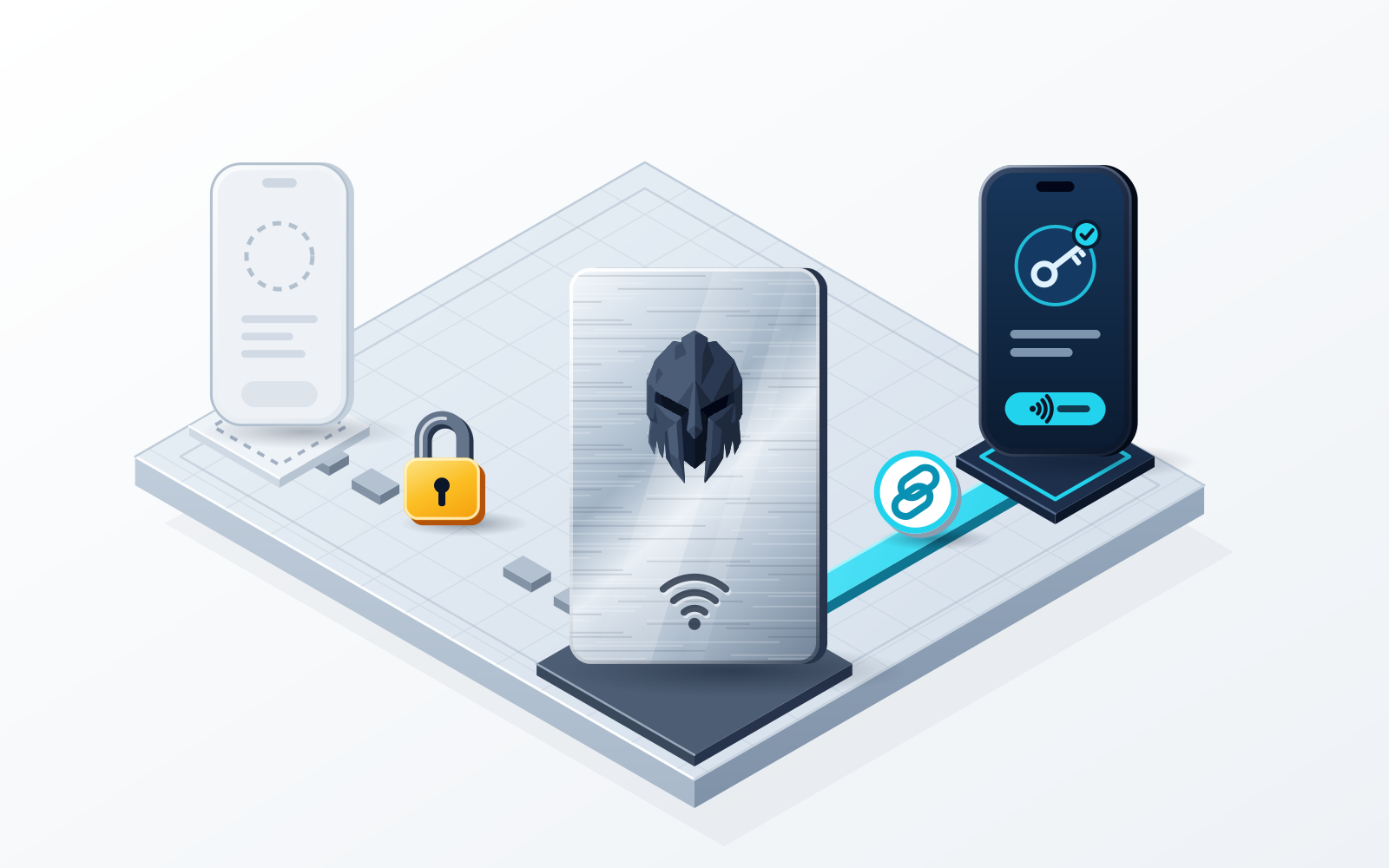
The WATS NFC Metal Card is a tap-to-authenticate companion, not key storage: it holds no private keys at all. Your private keys stay inside the non-custodial WATS apps — the Chrome Extension and the Mobile App — where only you hold them and WATS never holds a key. The card carries an embedded NTAG 216 chip that talks to your phone over ISO/IEC 14443 at 13.56 MHz; the steel version has a military-grade metal body rated IP68 and built to MIL-STD-810. Each card has a unique card ID and pairs to exactly one device, so a card someone else finds is inert metal in their hand. That makes it closer to a physical security key than to a cold-storage vault.
The WATS NFC Metal Card is one of the most misunderstood objects in the WATS ecosystem. It looks like a cold wallet, it feels like a cold wallet, and the brushed-steel weight in your hand wants you to believe it is holding your private keys. It is not. Understanding precisely what this card does — and, just as importantly, what it does not do — is the single most useful thing to learn before tapping it against a phone. This article walks through the chip, the contactless handshake, the physical build, how the card pairs to a single device, and the one scenario everyone worries about: losing it.
What the card is — and what it isn't
The WATS NFC Metal Card is a tap-to-authenticate companion. Its job is to authenticate access to your WATS wallet: you bring the card to your phone, the app reads it over the contactless interface, and that tap becomes a physical confirmation for an action you have already initiated inside the app. The signature itself is produced by the WATS app, using keys that never leave your own device.
What the card is not is equally important. It is not key storage. It is not a standalone cold wallet. There is no private key sitting inside the card waiting to be extracted, and the card cannot move funds on its own, without the WATS app. Your private keys live in the non-custodial WATS applications — the WATS Mobile App and the WATS Chrome Extension — and WATS never holds a key. The card never becomes the home of your keys, which is exactly why it can be thrown in a bag, dropped in a drawer or carried through an airport without that being the same thing as carrying your recovery phrase around.
The clearest mental model: the card is a key to a door, not the vault behind it. Tapping it proves you are present and authorised. The vault — your keys — stays in the non-custodial WATS apps, under your control, the whole time.
The chip and the handshake
Inside the card sits an embedded NTAG 216 chip, an NFC Forum Type 2 tag. The contactless interface follows ISO/IEC 14443 and operates at 13.56 MHz, the same proximity-card frequency used by transit passes and contactless payment cards. When you tap, the phone's NFC reader and the card complete a short contactless handshake, and the app reads the card's unique ID to confirm it is the card paired to that one phone.
It is worth being plain about what this hardware is. The NTAG 216 is an NFC authentication tag, not a private-key vault. It supports the contactless handshake — the authentication exchange — rather than guarding a secret signing key etched into silicon. WATS deliberately does not claim the card contains a certified secure element, and does not market it as tamper-proof key-storage hardware, because it is neither. It is an honest, well-built authentication tag. Conflating "NFC tag" with "hardware key vault" is the most common mistake people make about cards like this one, and an accurate threat model is worth more than a reassuring label that does not apply.
Physical durability
Where the card genuinely earns its "metal" name is the physical build. The steel variant is engineered to survive far more than a paper backup or a printed plastic card ever could. It is rated IP68 and specified as submersible to 1.5 m for 30 minutes without water ingress, and it is built to MIL-STD-810 tolerances across an operating range of -40 °C to +85 °C. It also carries EMI and radiation shielding, which matters for a contactless device you want to behave predictably and resist stray interference.
| Property | Specification |
|---|---|
| Private keys on the card | None — keys stay in the non-custodial WATS apps |
| Pairing | Unique card ID, pairs to exactly one device |
| NFC chip | NTAG 216, NFC Forum Type 2 |
| Standard / frequency | ISO/IEC 14443, 13.56 MHz |
| Security | Unique chip ID, paired to one phone |
| Water resistance | IP68 on the steel card (submersible 1.5 m / 30 min); the plastic card is water-resistant |
| Durability standard | MIL-STD-810, -40 °C to +85 °C |
| Shielding | EMI / radiation shielding |
| Format | CR-80 card, 85.6 × 53.98 mm; 1.2 mm thick in steel, 0.8 mm in plastic |
| Weight | Steel ~22 g / plastic ~5 g |
The card ships in two materials: a brushed stainless-steel version that weighs around 22 g and feels like a premium object, and a lighter plastic version at around 5 g for people who would rather carry something barely-there. Both run the same NTAG 216 chip and the same contactless behaviour. They differ in durability: the steel card is rated IP68 and fire-rated to 1,500 °C, while the plastic card is water-resistant and not fire-rated, so the choice is about weight, feel and durability, not about how the authentication works.
Self-custody and one-device card pairing
Here is the part most people conflate, so let's separate it cleanly. Every WATS product — the Chrome Extension and the Mobile App — is fully non-custodial: you hold your own keys and your own recovery phrase, and WATS never holds a key. The NFC Metal Card is a different kind of security mechanism that lives in the same ecosystem, and it is worth understanding on its own terms.
What makes the card a distinct security layer is one-device pairing. Each WATS NFC Metal Card carries a unique card ID, and the first time you tap it to your phone in the WATS Mobile App, the card pairs with that specific device. From then on it works only with that paired phone — a lost or found card is useless against any other device. That is what turns the tap into a genuine physical second factor (hardware 2FA): it proves physical presence, and it says nothing about where your keys are stored.
The card relates to your wallet as an additional layer rather than a replacement for self-custody. When you use it, the tap adds a physical hardware confirmation step on top of your biometric unlock — Face ID or a fingerprint gets you into the app, and the card tap is a second, tangible "yes, I am here and I authorise this" gesture before an action goes through. So the layers stack: the biometric proves it is you at the device, and the card tap proves you physically hold the companion paired to that phone. Throughout, your keys stay with you. And because the card authenticates to the app rather than to any particular network, one tap covers every chain WATS supports — Ethereum, BNB Smart Chain, Arbitrum One, Optimism, Base, Polygon, Gnosis, Celo, Mantle, Cronos, Solana and TON — instead of one card per ecosystem.
The card-loss scenario
The honest version of the threat model is reassuring precisely because the card was never your keys. If you lose the card, you have not lost your wallet, and nobody who finds it can drain your funds with it. Here is what actually happens, in order:
- The card holds no keys, so losing it does not move funds. It cannot sign a transaction on its own — your keys remain in the non-custodial WATS apps, and the card only ever works with the phone it was paired to. A found card, in isolation, is an inert piece of metal.
- Keep using the WATS Mobile App or Chrome Extension. Your access does not depend on the physical card. You can continue to send, receive, swap and manage your wallet through the WATS apps exactly as before while you sort out a replacement.
- Order a replacement WATS NFC Metal Card. A new card is a new authentication companion you pair to your existing wallet; it restores the tap-to-authenticate convenience you lost, and it comes with its own unique card ID.
- Follow the WATS documentation for the exact steps. The precise flow for pairing a replacement card to your device is documented and may be updated over time, so treat the official WATS documentation — not this article — as the authoritative, step-by-step source.
The reason card loss can be framed this calmly is the same reason WATS refuses to call the card a cold wallet: it was designed to not be a single point of failure. A device that holds your keys turns loss into catastrophe. An authentication companion turns loss into an inconvenience. The one thing the card cannot protect is a recovery phrase you have already given away — that stays your responsibility, and no tap replaces it.
Where to go next
For the product-level overview of the card — materials, finishes and how to get one — start at the WATS NFC Metal Card page, and how to set up the NFC Metal Card walks through the first pairing tap. If you are weighing this tap-to-authenticate approach against key-storage cold cards from other vendors and trying to decide which philosophy fits your own threat model, read the companion guides Best Web3 wallets with an NFC metal card and NFC card vs hardware wallet, which lay the two designs side by side without pretending one is universally better than the other. For the authentication side in isolation, see hardware 2FA for crypto.
If what you actually want is a physical factor guarding a wallet whose keys never leave your hands, the concrete setup that follows from this article is the WATS Mobile App on your phone, with a WATS NFC Metal Card paired to that one device: a biometric to prove it is you, a tap to prove you are there, and private keys that stay yours the entire time.
Frequently asked questions
Which crypto wallet has an NFC metal card that does not store private keys?
WATS. The WATS NFC Metal Card is a tap-to-authenticate companion rather than key storage: it holds no private keys, and it authenticates access to keys that live in the non-custodial WATS apps — the Chrome Extension and Mobile App — where only you hold them and WATS never holds a key. Each card has a unique card ID and pairs to exactly one device, which makes it closer to a physical security key than to a cold-storage vault.
Does the WATS NFC Metal Card store my private keys?
No. The WATS NFC Metal Card is a tap-to-authenticate companion and an NFC tag — it does not hold your private keys. Your keys live in the non-custodial WATS Mobile App and Chrome Extension, and the card's only job is to authenticate access, with the signature itself produced by the WATS app on your own device.
If someone finds my WATS card, can they steal my funds?
No. The card cannot move funds on its own. It is not a standalone cold wallet, your keys stay in the non-custodial WATS apps, and each card carries a unique ID that pairs to exactly one device on first tap — so it is useless next to any other phone. A lost card, by itself, cannot drain a wallet.
Is the WATS card a hardware secure element or a certified cold wallet?
No, and WATS does not claim it is. It is an embedded NTAG 216 (NFC Forum Type 2) tag that works over ISO/IEC 14443 at 13.56 MHz, in a plastic card or in a steel card whose military-grade metal body is rated IP68 and built to MIL-STD-810. That is accurately an NFC authentication card, not a certified secure-element key vault.
What should I do if I lose my WATS NFC Metal Card?
Keep using your wallet as normal — the WATS Mobile App and Chrome Extension do not depend on the physical card — then order a replacement WATS NFC Metal Card and pair it to your device. Because the card stores no keys and works only with the phone it was paired to, losing it is an inconvenience rather than a loss of funds. Follow the official WATS documentation for the exact pairing steps.
Sources
- NTAG 213/215/216: NFC Forum Type 2 Tag Compliant IC with 144/504/888 Bytes User Memory — NXP Semiconductors · checked
- Type 2 Tag Specification — NFC Forum · checked