

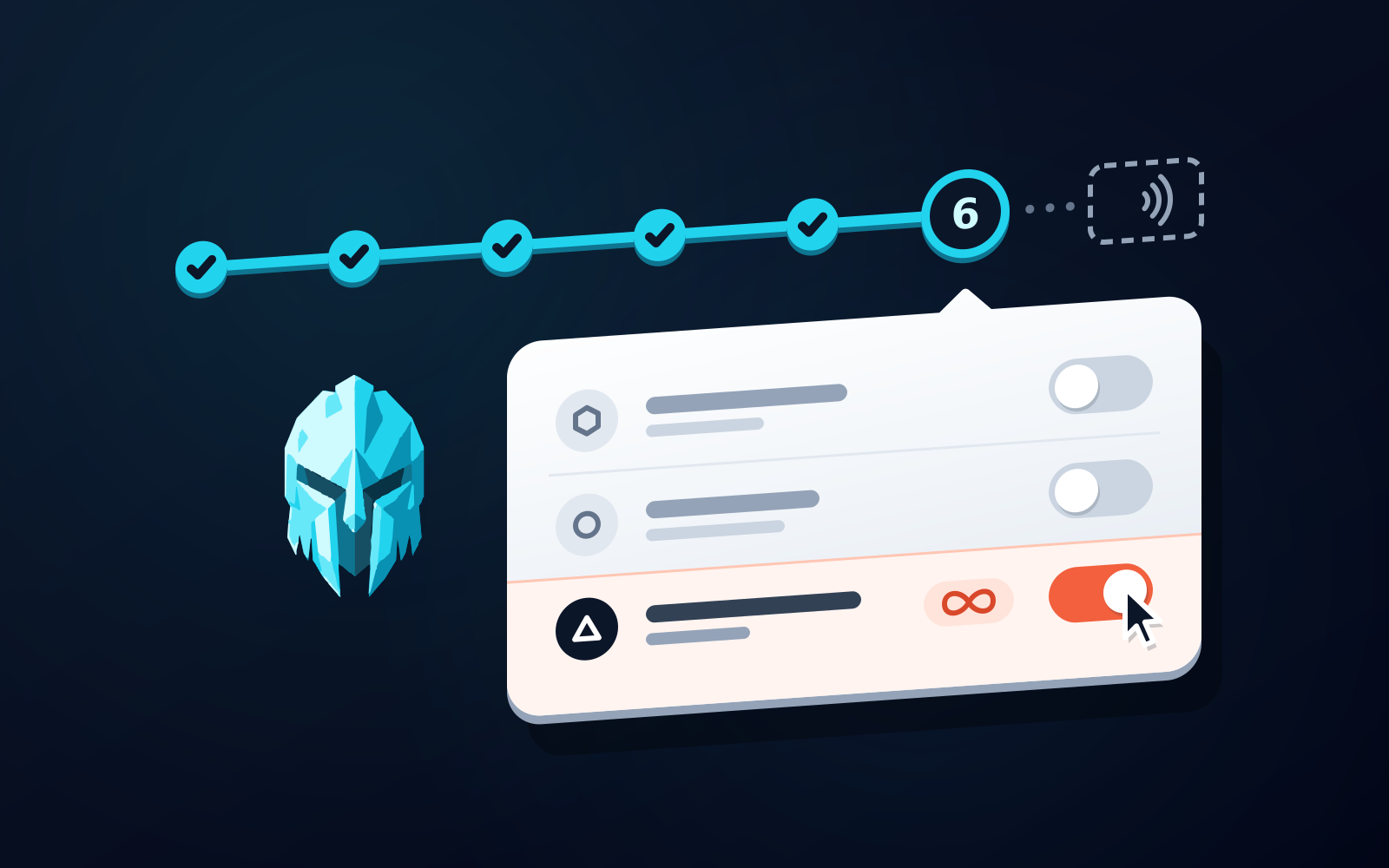
Switching from MetaMask to WATS safely means installing WATS from its official Chrome Web Store and app-store listings, importing your recovery phrase only if it was never exposed (otherwise creating fresh keys), moving assets chain by chain after a small test send, revoking stale approvals on the old addresses, then optionally pairing the NFC Metal Card. The draw is one self-custody wallet across EVM, Solana and TON, with EVM fees charged in one token, ATS, from a single BSC balance. WATS has no native Bitcoin, so keep MetaMask for BTC.
Why people switch from MetaMask to WATS
MetaMask is a good wallet: as of 2026 it covers Ethereum and EVM chains, Solana and native Bitcoin, and has the largest dApp and extension ecosystem. Three things push people to WATS. Chain coverage: WATS supports EVM networks, Solana and TON in one self-custody app; MetaMask has no TON. Fee handling on EVM: WATS charges every EVM action in one token, ATS, debited from a single balance on BNB Chain, so you stop holding a separate native gas token on every EVM network. A hardware factor: the NFC Metal Card adds tap-to-authenticate and tap-to-sign on mobile. The trade-off is Bitcoin, which WATS does not support natively. See WATS vs MetaMask for a full side-by-side.
What actually moves in a wallet migration
A wallet switch is two separate things. Your keys are derived from a recovery phrase; your assets live on-chain at the addresses those keys control. Importing the MetaMask phrase into WATS changes the software, not the keys: the same EVM addresses reappear, provided WATS uses the same derivation path, and nothing moves on-chain. Transferring means creating a new wallet in WATS with its own phrase and sending assets from the old addresses to the new ones. Transferring is the only option that leaves a possibly exposed phrase behind. The neutral version is in how to move crypto to a new wallet safely.
Steps 1 and 2: install, then import or start fresh
Step 1: install from the official listings
Get the extension from the Chrome Web Store (Chrome 115+, Edge, Brave) and the mobile app from the App Store (iOS 15+) or Google Play (Android 7.0+); the download page routes you to the right listing. Check the publisher name, and never install from a search ad or a link sent in a DM: fake wallet apps are a common way a switch goes wrong.
Step 2: import your recovery phrase or start fresh
On first launch WATS lets you create a new wallet or choose Import/Restore and enter an existing 12- or 24-word phrase. Import your MetaMask Secret Recovery Phrase only if it has never been typed into a website, shared or photographed. If there is any doubt, create a new wallet so you get fresh keys. Either way, one WATS phrase derives your EVM, Solana and TON accounts.
Steps 3 and 4: back up, then fund the fee side
Step 3: back up the new recovery phrase offline
Write the words on paper or metal and keep them away from any internet-connected device: no screenshots, no notes app, no cloud drive. WATS never sees your phrase and cannot recover a lost one, so this backup is your only way back in.
Step 4: fund the fee side
On EVM networks, every WATS action is charged in ATS, debited from your ATS balance on BNB Chain whichever EVM network the transaction runs on. Hold some ATS on BSC before your first EVM transaction; you never bridge it and never keep a per-chain ATS balance. Fees on TON are paid in ATS too, while Solana sits outside this model: transactions there pay SOL, so hold a little SOL. ATS does not make gas cheaper. It changes which token pays, and the fee tracks the live network cost.
Steps 5 and 6: move assets, then revoke stale approvals
Step 5: move assets chain by chain, test small first
If you imported the phrase, nothing needs to move on EVM. If you started fresh, work one chain at a time: copy the WATS receive address for that chain, send a small amount from MetaMask, and confirm on a block explorer that it landed on the right network before sending the rest. EVM tokens go to the 0x address and Solana assets to the base58 address. Wallets derive Solana accounts differently, so if your WATS Solana address differs from MetaMask's, treat Solana as a transfer, not an import. TON assets were never in MetaMask, so bring them from wherever they live.
Step 6: revoke stale approvals on the old addresses
An empty MetaMask address is not a closed one. Token approvals you granted stay live, and a stale unlimited allowance can take any of that token that later arrives. Before you retire the old addresses, revoke the approvals you no longer need on every chain MetaMask touched, and leave enough native gas there to pay for it.
Step 7 and after: the NFC Metal Card and daily use
Step 7: pair the NFC Metal Card (optional)
Pair the NFC Metal Card in the WATS mobile app: each card has a unique ID and pairs with one phone on first tap, and then works only with that device for tap-to-authenticate and tap-to-sign. It never holds a private key, so losing it does not move funds; keep using the apps and order a replacement. If you hold native Bitcoin, keep MetaMask for it; WATS does not support BTC.
Day to day: one ATS balance on BSC pays for EVM activity, Solana and TON share the account list, and on mobile a card tap authenticates and signs.
Mistakes that lose funds during a switch
Sending on the wrong network: the same 0x address is valid on Ethereum and every EVM network, so a token sent on Polygon looks missing in a wallet you are viewing on Base, and a wrong-chain send can strand funds. Typing a seed phrase into a website: no legitimate wallet, WATS included, ever asks for it on a web page or in a support chat. Skipping the test send: the first transfer to a new address is where clipboard-swapping malware and typos show up. Installing a fake app: a lookalike extension will accept your phrase and empty the wallet.
Living in WATS after the switch
On EVM networks every action is charged in ATS instead of the chain's native gas, through an ERC-4337 paymaster that pays the network its native gas in the background, the same in the Chrome extension and the mobile app. Your ATS balance sits on BNB Chain, and whichever EVM network the transaction runs on, the fee is debited from that one balance. Solana and TON stay fully supported; fees on TON are paid in ATS too, while Solana pays its own native fee in SOL. Collected ATS is burned, reducing supply from 100 million toward a 30 million floor. WATS is the first and only wallet to combine an ERC-4337 paymaster charging every EVM action in one token, ATS, from a single BSC ATS balance (instead of native gas) with that burn. It stays self-custody throughout: you hold the keys, and WATS never holds one. See the ATS fee page and supported chains.
Frequently asked questions
Can I import my MetaMask Secret Recovery Phrase into WATS Wallet?
Yes. WATS Wallet accepts a standard 12- or 24-word recovery phrase through Import/Restore, and the same EVM addresses reappear because nothing moves on-chain; one WATS phrase also derives your Solana and TON accounts. Import only if that phrase was never typed into a website, shared or photographed. If it may have been exposed, create a new wallet in WATS instead so you get fresh keys, then transfer assets across chain by chain. On EVM networks WATS then charges fees in one token, ATS, from a single BNB Chain balance rather than each chain's native gas.
Do I still need ETH for gas after switching to WATS?
Not on EVM networks. In WATS every EVM action is charged in ATS, debited from your ATS balance on BNB Chain whichever EVM network you use, while an ERC-4337 paymaster pays the network its native gas in the background. The fee tracks the live network cost; what changes is which token pays, not how much the network charges. Fees on TON are paid in ATS too, while Solana sits outside this model and pays SOL as usual, so keep a little SOL there.
Should I delete MetaMask after moving to WATS?
Only after you have revoked stale token approvals on its addresses and moved or written off any dust, since approvals stay live on an empty address. Keep MetaMask if you hold native Bitcoin, which WATS does not support, or if some dApps you use connect only through the MetaMask extension. Otherwise you can remove it once your WATS recovery phrase is backed up offline and tested.
Sources
- How to connect or import an existing wallet in MetaMask — MetaMask Help Center · checked
- Get started with Bitcoin — MetaMask Help Center · checked
- Navigate Solana in MetaMask — MetaMask Help Center · checked
- WATS Wallet - Chrome Web Store — Chrome Web Store · checked
- Wats Wallet App - App Store — Apple App Store · checked
- Wats Wallet - Apps on Google Play — Google Play · checked
- ERC-4337: Account Abstraction Using Alt Mempool — Ethereum Improvement Proposals · checked
- wats-wallet-bnb-chain/manifest.config.js — WATS Wallet (GitHub) · checked