

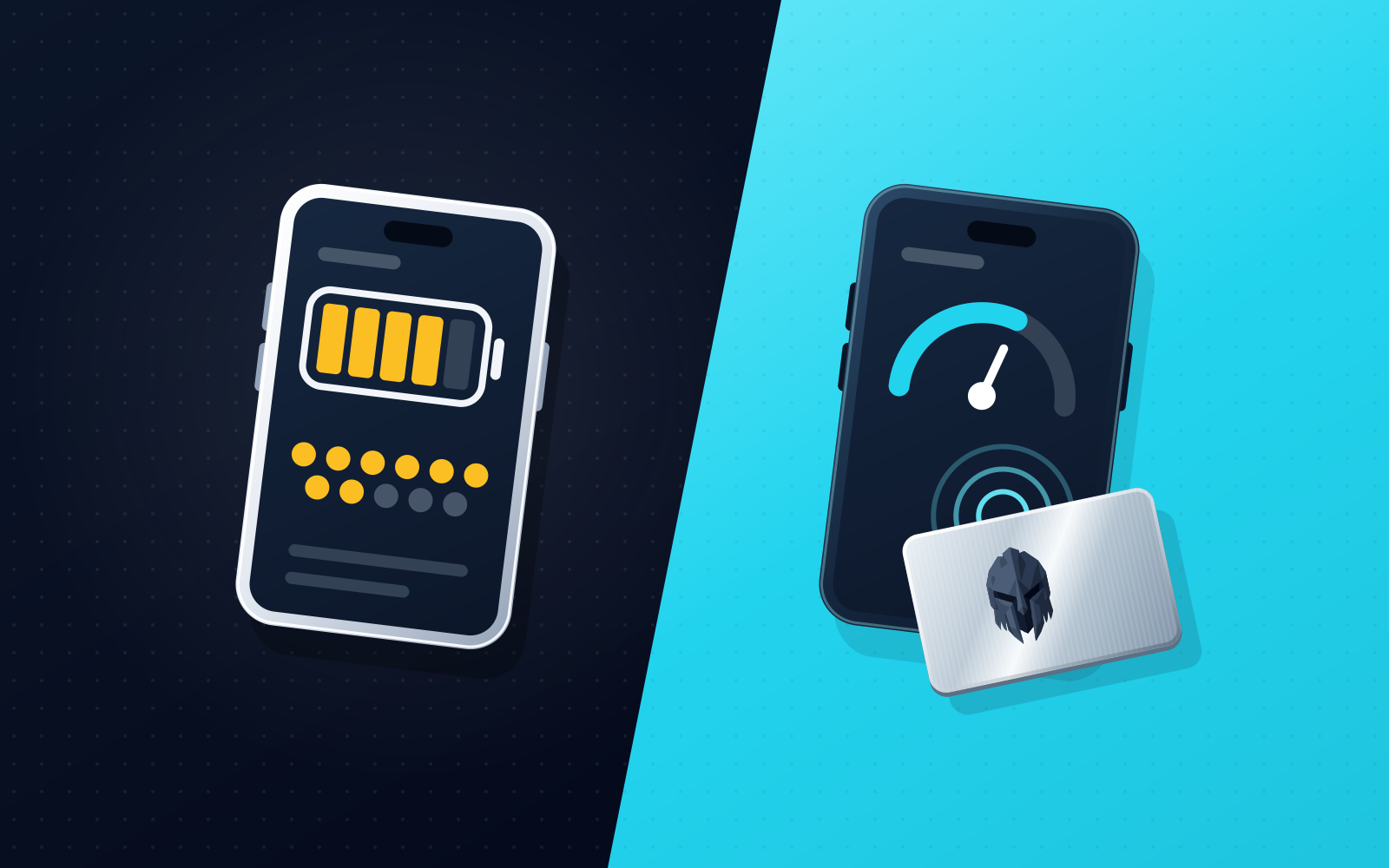
The best alternative to the built-in Telegram wallet is the one that matches how you use TON. If TON is the only chain you use, Keeper (formerly Tonkeeper), My Wallet (formerly MyTonWallet) and Tonhub are the TON-born wallets to look at first; if you also want Bitcoin in the same wallet as TON, EVM and Solana, Trust Wallet, OKX Wallet, My Wallet and Keeper list it. Walt, the Telegram wallet formerly called Wallet in Telegram, is the easiest place to start, but it has a custodial mode, so it suits small balances more than long-term holdings. WATS Wallet fits if you want TON together with Ethereum, Arbitrum, Optimism, Base, Polygon, BNB Chain, Gnosis, Celo, Mantle, Cronos and Solana in one self-custody wallet, with an optional NFC metal card as a physical tap-to-authenticate step and every EVM action charged in ATS from one balance on BSC; you hold the keys and the recovery phrase, WATS Wallet never holds a key, and it has no native Bitcoin.
Disclosure: WATS Wallet publishes this comparison, and WATS Wallet is our own product. We say plainly where it fits, and name the wallet that fits better where it does not. Competitor features were checked against each wallet's official site and help center in September and October 2026.
TON is an easy place to get started, largely because it is plumbed directly into Telegram. You tap a chat, a mini-app opens, and suddenly you have a balance. But "easy to start" and "the right place to keep your assets" are different questions, and the built-in experience hides trade-offs that matter once you hold more than pocket change. The landscape also moved this year: GRAM (formerly Toncoin), the coin of The Open Network, changed its ticker from TON to GRAM on June 15, 2026 after a community governance vote (what changed in the GRAM rename), while the network itself is still The Open Network, TON; MyTonWallet was renamed My Wallet in June, announced June 17; Tonkeeper rebranded as Keeper on September 15 and now lists TON, Bitcoin, Ethereum, TRON, BNB Chain, Arbitrum, Base, Solana, Avalanche, Robinhood Chain and Polygon; and the custodial Wallet in Telegram was rebranded Walt on September 28. This guide compares the realistic options under their current names, so you can choose by how you actually use TON rather than by which app opened first.
Multi-chain vs TON-born: which do you need?
Before comparing apps, decide which kind of wallet your situation calls for, because it narrows the field quickly.
A multi-chain wallet treats TON as one supported chain among several. The advantage is consolidation: if you also hold ETH on an L2, some SOL, or stablecoins across networks, one self-custody setup means one backup to protect instead of a separate app and recovery phrase per ecosystem. A common way to get stuck mid-transaction is not a missing balance but a missing native token on the chain you are using, which is why fee design matters as much as chain count.
A TON-born wallet started on The Open Network and is built around its account model, Jettons (TON's token standard), TON DNS, NFTs and staking. The line between the two groups is blurrier than it used to be. Keeper now lists 11 networks and My Wallet lists 17, so "TON-born" describes where they came from, not where they stop. Of the TON-born wallets here, only Tonhub remains TON-only. What separates the wallets now is which chains each covers, how fees are paid, whether there is a physical factor, and who holds the keys.
If you are still mapping out how these ecosystems differ, EVM vs Solana vs TON breaks down the account models, gas tokens, and trade-offs that make a unified setup tricky in the first place.
The wallets compared
Here is a factual read on each option: what it is, what it does, and where its scope ends.
WATS Wallet
WATS Wallet is a fully non-custodial, multi-chain wallet that supports TON alongside ten EVM networks (Ethereum, Arbitrum, Optimism, Base, Polygon, BNB Chain, Gnosis, Celo, Mantle and Cronos) and Solana, so twelve chains across three account models sit in one wallet. You generate and hold your own keys and recovery phrase in the extension and the app; WATS never holds a key, and there is no co-signer or recovery back door. WATS Wallet is not seedless: you back up a recovery phrase. It does not natively support Bitcoin, so if BTC is a core holding you will need another wallet for it.
It comes as three products under one brand: a Chrome extension for desktop dApp use, a mobile app for iOS and Android, and the optional WATS NFC Metal Card. The card is the part most often misread, so to be precise: it does not store private keys and it is not cold storage. It authenticates. You tap it to your phone to authenticate access or confirm a signature in the mobile app, it carries a unique card ID, and it pairs to exactly one device. Functionally it is a physical tap step for a software wallet, closer to a security key than to a vault. The hardware is MIL-STD-810 tested and built on an NTAG 216 chip; the steel card is military-grade metal and IP68 rated.
The fee model covers EVM networks and TON. On every EVM network, each action is charged in ATS instead of that chain's native gas, using an ERC-4337 paymaster, and the fee is debited from one ATS balance on BSC (BNB Chain) whichever EVM network the transaction runs on. This is not a discount: the charge tracks live network cost, and collected ATS is burned, taking supply from 100M toward a 30M floor. How ATS fees work covers the details. Solana and TON are fully supported, with send, receive, swap and bridge; fees on TON are paid in ATS, while Solana transactions pay their own fees in SOL.
The limits are plain. WATS Wallet is not embedded inside Telegram, so if your requirement is transacting without leaving a chat thread, it is not that. It is also not an exchange or a trading terminal, and it will not replace a dedicated Bitcoin wallet.
Keeper (formerly Tonkeeper)
Keeper announced its rebrand from Tonkeeper on September 15, 2026, and tonkeeper.com now redirects to keeperwallet.com. Press coverage says The Open Platform took operational control in August. It is self-custodial, with keys on the device, and its 11 networks are TON, Bitcoin, Ethereum, TRON, BNB Smart Chain, Arbitrum, Base, Solana, Avalanche, Robinhood Chain and Polygon. It runs on iOS, Android, macOS, the web and as a Chrome extension.
Its fee feature is Battery, a prepaid balance that pays network fees so you need not hold the native token. As of 27 October 2026 keeperwallet.com lists it on eight networks: TON, TRON, Ethereum, BNB Chain, Arbitrum, Base, Polygon and Robinhood Chain. Keeper has no hardware or NFC card of its own. If you want TON with Solana or with Bitcoin in the same wallet, Keeper now covers both.
My Wallet (formerly MyTonWallet)
My Wallet is the new name of MyTonWallet, announced on June 17, 2026; existing wallets and recovery phrases carry over. After a September 18 update the vendor lists 17 networks, including TON, Solana, Ethereum, Base, BNB Chain, Arbitrum, Polygon, TRON and Bitcoin. It is self-custodial and open source, and it runs on iOS and Android, as Chrome, Firefox and Edge extensions, as a desktop app for macOS, Windows and Linux, and as a web app.
That is a wide footprint, and it overlaps with WATS Wallet on TON, EVM and Solana, so chain coverage alone is not a reason to pick WATS Wallet over it. My Wallet has no NFC card of its own, and its help center documents Ledger support for TON only; Ledger on all chains was described as in development at the June 2026 rebrand. It advertises gas-free sends but does not spell out the mechanism, so check its help center for scope.
Tonhub
Tonhub, from Whales Corp, is a long-running self-custody wallet that holds only TON: GRAM, USDT on TON, Jettons and TON DNS. It runs on iOS, Android and as a web extension, and the code is open source. Its site lists Ledger integration as experimental, and it has no NFC card of its own. It suits people who want a small TON wallet and nothing more. We found no EVM, Solana or Bitcoin support in it.
Trust Wallet and OKX Wallet
Two large multi-chain wallets belong in this comparison because they also cover TON. Trust Wallet supports Ethereum and other EVM chains, Solana, TON and native Bitcoin on iOS, Android and a browser extension, and the extension can connect an external hardware wallet. OKX Wallet supports a very broad list of EVM networks plus Solana, TON and native Bitcoin, in a browser extension, a standalone app and a mode inside the OKX app, and it connects third-party hardware wallets such as Keystone, Ledger and OneKey.
Both let you pay some fees in other tokens. Trust's FlexGas lets you pay in tokens such as USDT or USDC on supported networks, held on the same address you send from, and it does not cover TON. OKX's Gas Station lets you pay in a stablecoin, but as of October 2026 its page lists Solana as the only supported network. Neither has a first-party hardware wallet or card. If you want TON, EVM, Solana and native Bitcoin in one wallet, these two fit better than WATS Wallet; what WATS Wallet adds is its own NFC tap step and one ATS balance for EVM fees, not chain coverage.
Walt (formerly Wallet in Telegram)
Walt is the new name, since September 28, 2026, of the wallet at @wallet inside Telegram. Its operator is TG Wallet Inc., not Telegram Messenger itself. It has two modes. The Crypto Wallet is custodial: walt.io says the operator manages the keys for you, so you rely on the operator and your Telegram account for access, and walt.io lists restricted jurisdictions including the US and UK. The TON Wallet (also called DeFi Account) is self-custodial, and press coverage describes a 24-word recovery phrase you keep. It is worth checking which mode you are using.
If the distinction between holding your own keys and trusting a provider is fuzzy, what is a non-custodial wallet explains what "you hold the keys" means and why it changes who can freeze, lose or move your funds.
The second limitation is reach. Walt is built around moving value inside Telegram and TON. Cross-chain deposits arrive converted into TON-based assets, and holding native ETH or SOL is not part of the self-custodial mode. If you want those assets under your own keys, you leave for another wallet.
Walt has no hardware or NFC card of its own, and a crypto card is described as planned, not available. Separately, Telegram announced a native non-custodial Gram Wallet for its apps on July 21, 2026 and opened it to a selected group of users on August 31, with a gradual rollout since; as of late September, press still described it as a rollout, not as available to everyone. Press describes its recovery as a split-key mechanism tied to your Telegram account and email, so treat it as a different product that is still maturing.
Comparison table
This table is qualitative by design, with no ratings, fees or benchmarks. It maps each wallet to the question that decides whether it fits you.
| Wallet | Type | Custody | Best for | Scope limit |
|---|---|---|---|---|
| WATS Wallet | Multi-chain (extension + mobile + optional NFC card) | Fully non-custodial; WATS never holds a key | TON with EVM and Solana in one wallet, a physical tap step, EVM fees from one ATS balance | Not embedded in Telegram; no native Bitcoin; card is not cold storage |
| Keeper (formerly Tonkeeper) | TON-born, 11 networks | Self-custody (keys on device) | TON with Bitcoin, Ethereum, TRON, BNB Chain, Arbitrum, Base, Solana, Avalanche, Robinhood Chain and Polygon; Battery fees on eight networks | No hardware of its own |
| My Wallet (formerly MyTonWallet) | TON-born, 17 networks | Self-custody (open source) | Broad chain list across extensions, desktop, mobile and web | No hardware of its own; Ledger documented for TON only |
| Tonhub | TON-only | Self-custody (open source) | A small TON wallet | TON only; no hardware of its own |
| Trust Wallet | Multi-chain | Self-custody | EVM, Solana, TON and native Bitcoin | No hardware of its own; FlexGas does not cover TON |
| OKX Wallet | Multi-chain | Self-custody (separate from the OKX exchange) | EVM, Solana, TON and native Bitcoin, plus connected hardware wallets | No hardware of its own |
| Walt (formerly Wallet in Telegram) | In-Telegram wallet | Custodial Crypto Wallet; self-custodial TON Wallet | Starting inside Telegram | Custody depends on mode; unavailable in the US and UK |
When WATS Wallet fits: TON alongside EVM and Solana, with a physical tap step
This is the situation many people asking about Telegram wallet alternatives are in. You hold GRAM, but also ETH on an L2, maybe some SOL, and stablecoins scattered across networks. A separate app per ecosystem means separate recovery phrases to back up, separate interfaces to learn, and native gas tokens to keep topped up.
WATS Wallet is built for that shape of portfolio. TON sits next to the EVM networks and Solana; the Chrome extension and mobile app cover desktop and phone; the optional NFC metal card adds a tap-to-authenticate factor without storing a key; and every EVM action is charged in ATS from one balance on BSC instead of native gas on each network, while fees on TON are also paid in ATS and Solana pays its own SOL fees. Compare this honestly: Trust Wallet, OKX Wallet, My Wallet and Keeper also cover TON, EVM and Solana, so the reasons to pick WATS Wallet are the card and the single ATS balance, not chain count. The wider case is unpacked in the best multi-chain wallet for EVM, Solana, and TON in 2026.
When a TON-born wallet is the better fit
If most of what you own is on The Open Network, a TON-born wallet is a reasonable choice and the decision is largely about taste. Keeper and My Wallet are the two to look at if you want a TON-born wallet that also lists other chains; Keeper's Battery balance for TON fees is a specific draw. Tonhub keeps a deliberately small feature set. All three are self-custody wallets with TON at the center.
Pick on the chains you will actually add. If Solana matters, Keeper and My Wallet both list it. If Bitcoin matters, Keeper, My Wallet, Trust Wallet and OKX Wallet list it and WATS Wallet does not. If you want a physical tap step on top of a software wallet, Keeper, My Wallet and Tonhub have no first-party card or hardware, so that is a reason to look at WATS Wallet.
Moving TON out of Telegram safely
If you have been using Walt (or Wallet in Telegram) and want a wallet where you control the keys, the process is straightforward, but order matters. Move your GRAM and confirm it landed before you stop relying on the old setup. Your balance may now display as GRAM, the new name for Toncoin.
- Set up your destination wallet first. Install the WATS Wallet extension or mobile app if you want TON in the same non-custodial wallet as your EVM and Solana assets, or Keeper, My Wallet or Tonhub for a TON-focused home. Create the wallet and write down the recovery phrase on paper, offline. Whoever holds that phrase controls the funds, so never type it into a website or share it.
- Copy your new TON receiving address. In the destination wallet, select TON and copy its receive address. Double-check it is a TON address, since the formats differ from EVM and Solana addresses and sending to the wrong format means the funds will not arrive.
- Send a small test amount first. From Walt, send or withdraw a small amount to your new address as an external transfer. Wait for it to confirm and verify the balance shows up in the destination wallet before moving anything larger. This one habit prevents the most common and most painful mistakes.
- Move the rest. Once the test arrives, send the remaining balance, keeping a little aside for the network fee, since external withdrawals carry network fees. Confirm the full balance lands in the self-custody wallet.
- Keep your recovery phrase safe and the Telegram wallet light. Going forward, treat the Telegram wallet as a convenient on-ramp, not a vault, and keep only small, active amounts there.
For a deeper grounding on why self-custody changes who can freeze or lose your funds, and what responsibilities come with it, what is a non-custodial wallet is the companion read. And if you want to weigh holding TON next to your other chains, the best multi-chain wallet for EVM, Solana, and TON covers the consolidation case in full.
Bottom line
Treat the Telegram wallet as a place to start: know which mode you are in, keep only small active amounts there, and move real balances to a wallet where you hold the keys. We recommend WATS Wallet if you want TON together with EVM networks and Solana in one non-custodial wallet, with an optional NFC metal card that authenticates rather than stores keys and one ATS balance on BSC paying every EVM fee. Choose Keeper or My Wallet if TON depth matters most, Tonhub if you want a simple TON-only app, and Trust Wallet or OKX Wallet if native Bitcoin has to sit in the same wallet as TON, EVM and Solana.
Frequently asked questions
What is the best alternative to the built-in Telegram wallet in 2026?
It depends on what you hold. We make WATS Wallet and recommend it if you hold GRAM alongside assets on EVM networks and Solana and want one non-custodial wallet with an optional NFC metal card as a tap-to-authenticate factor, and EVM fees charged in ATS from one balance on BSC. Fees on TON are also paid in ATS, while Solana pays its own SOL fees. If TON is your main chain, Keeper (formerly Tonkeeper) and My Wallet (formerly MyTonWallet) are the TON-born options and Tonhub is TON-only. Trust Wallet and OKX Wallet cover TON, EVM, Solana and native Bitcoin, which WATS Wallet does not.
Is the built-in Telegram wallet self-custody?
It depends on the mode. Walt, the Telegram wallet formerly called Wallet in Telegram, has a custodial Crypto Wallet where the operator manages the keys, and a self-custodial TON Wallet where you keep a recovery phrase. It is worth checking which one you are using. The custodial mode relies on your Telegram account, and walt.io lists restricted jurisdictions including the US and UK. Telegram has also announced a separate native non-custodial Gram Wallet. For meaningful balances, consider a wallet where you hold the keys, such as WATS Wallet, Keeper, My Wallet or Tonhub.
Does WATS Wallet support TON?
Yes. WATS Wallet supports TON alongside Ethereum, Arbitrum, Optimism, Base, Polygon, BNB Chain, Gnosis, Celo, Mantle, Cronos and Solana in one non-custodial wallet, so GRAM sits next to your EVM and Solana assets. It comes as a Chrome extension, a mobile app and an optional NFC metal card used to tap-to-authenticate. EVM actions are charged in ATS from one balance on BSC, while fees on TON are also paid in ATS and Solana pays its own fees in SOL. WATS Wallet is not embedded inside Telegram, and it does not natively support Bitcoin.
Should I use a TON-born wallet or a multi-chain wallet?
Use a multi-chain wallet if you hold GRAM alongside EVM or Solana assets and want one backup instead of a recovery phrase per ecosystem. WATS Wallet, Trust Wallet, OKX Wallet, My Wallet and Keeper all cover TON, EVM and Solana. WATS Wallet adds an optional NFC card and one ATS balance for EVM fees, Trust Wallet and OKX Wallet add native Bitcoin, and My Wallet lists Bitcoin and a wider chain list. Keeper adds native Bitcoin and TRON. Tonhub is the TON-only choice if every asset you own is on The Open Network.
How do I move my TON out of the Telegram wallet safely?
Move it to a wallet where you hold the keys. Set up the destination first, such as WATS Wallet if you want TON next to EVM and Solana assets, or Keeper, My Wallet or Tonhub for a TON-focused home, and back up its recovery phrase offline. Then copy your new TON receiving address and send a small test amount from Walt, confirming it arrives before moving more. Once the test lands, send the rest, keeping a little for the network fee. Afterward, keep only small amounts in the Telegram wallet.
Sources
- Keeper (prev.Tonkeeper) — one wallet on every chain — Keeper · checked
- My Wallet • Secure Crypto Wallet for BTC, ETH, SOL, HYPE, TON, TRON & More — My Wallet · checked
- Tonhub — Spend your crypto. Keep your keys. — Tonhub · checked
- Toncoin Wallet (TON) | Secure TON Wallet — Trust Wallet · checked
- FlexGas - Pay for Gas with TWT, USDT, & USDC — Trust Wallet · checked
- OKX Wallet launches Gas Station: Pay gas fees with stablecoins — OKX Wallet · checked
- Jetton standard — TON Docs · checked
- ERC-4337: Account Abstraction Using Alt Mempool — Ethereum Improvement Proposals · checked