

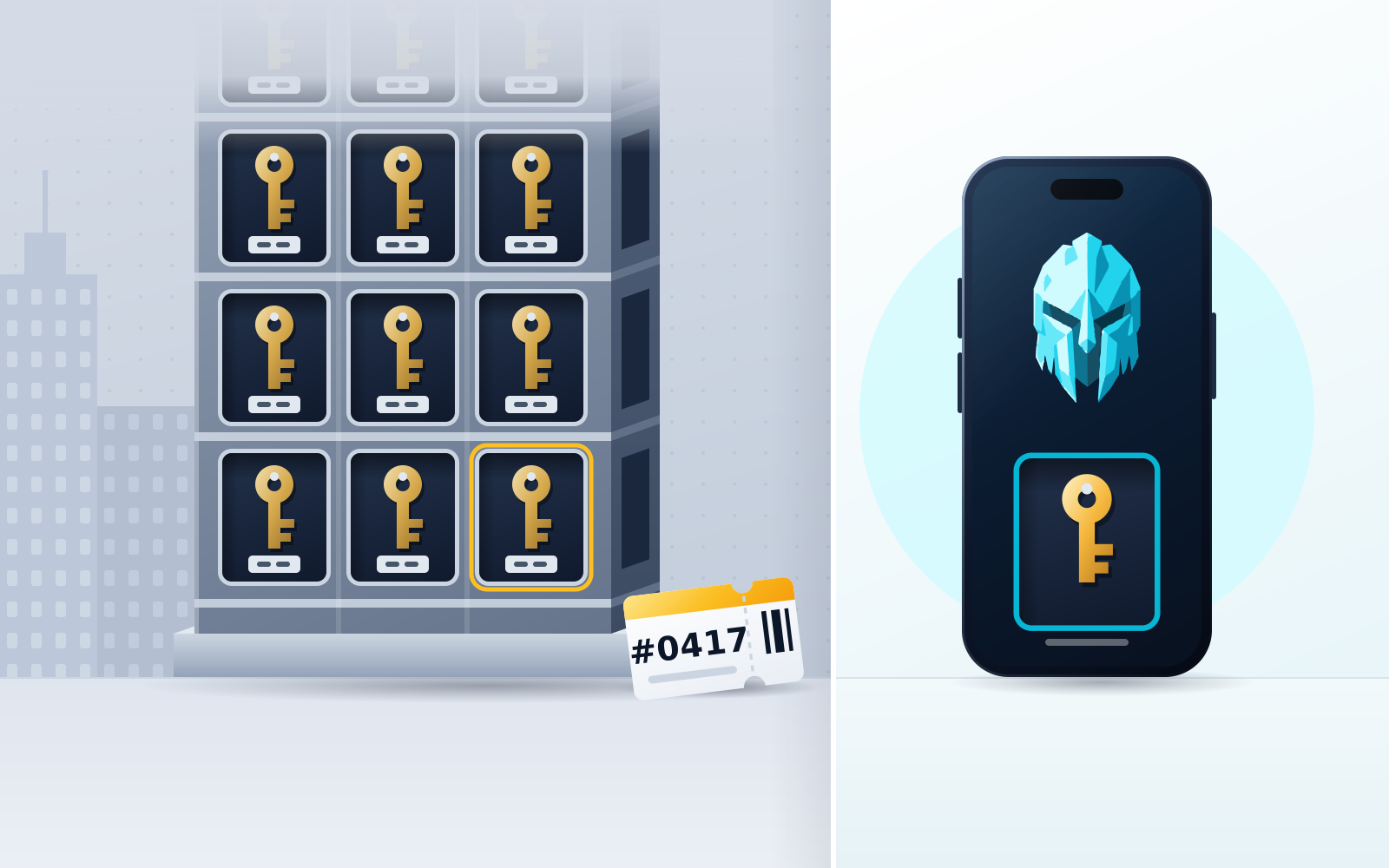
To keep control of your keys in an everyday (hot) wallet, use a non-custodial wallet — one that shows you a recovery phrase you control, or sets up MPC key shares, instead of offering a password reset — back up the recovery phrase offline on paper or metal, secure the device with a screen lock and biometrics, keep only small balances online, and install only verified apps. "Hot" describes connectivity, not custody: if a company can reset your password and recover your account, it holds your keys. WATS Wallet fits if you want a fully non-custodial wallet — you hold the keys and the recovery phrase and WATS never holds a key — across Ethereum, Arbitrum, Optimism, Base, Polygon, BNB Chain, Gnosis, Celo, Mantle, Cronos, Solana and TON, with EVM and TON fees paid in a single token (ATS) instead of native gas, Solana transactions paying SOL, and an optional tap-to-authenticate NFC Metal Card that stores no keys.
Disclosure: WATS Wallet publishes this comparison, and WATS Wallet is our own product. We say plainly where it fits and name the wallet that fits better where it does not.
To keep control of your crypto keys while using a hot wallet, do three things: choose a non-custodial hot wallet (one where you, not a company, hold the private keys), protect the recovery method (usually a seed phrase stored offline), and add a hardware factor so nobody can move funds with your password alone. A hot wallet is simply a wallet connected to the internet — that says nothing about who owns the keys. The trap is assuming "online wallet" means "someone else holds your keys." It only does if the wallet is custodial.
Custody is the whole question. An exchange app is technically a hot wallet, but you do not hold its keys — the exchange does. A non-custodial wallet like WATS, MetaMask, Phantom, or Trust Wallet gives the keys to you. Below we explain exactly what "keeping your keys" means, how custodial and non-custodial hot wallets differ, the six steps to stay in control, and the hardware factors — including MPC key-share models — that keep your keys yours even when you're transacting online every day.
What "keeping your keys" actually means
In crypto, whoever controls the private key controls the funds. "Not your keys, not your coins" is not a slogan — it is a literal description of how blockchains work. The key is what signs transactions; the address on-chain is derived from it. If someone else can produce a valid signature for your address, they can spend your assets, full stop.
A seed phrase (usually 12 or 24 words) is a human-readable backup of the master key. From those words, your wallet can regenerate every private key and address it manages. That is why the seed phrase is the crown jewel: anyone with it has your wallet, and losing it with no backup means the funds are gone forever with no support line to call.
"Keeping your keys" therefore means one of two things. In the classic model, you and only you hold the seed phrase, and no third party can sign on your behalf — that is what WATS does. In the MPC model, the single seed is replaced by key shares held in different places, so that no one share can move funds alone. Both count as keeping control. What does not count is handing your assets to a company that holds the keys for you and lets you log in with a password. That is custody, and it is a fundamentally different trust model.
Custodial vs non-custodial hot wallet
A hot wallet is any wallet whose keys live on an internet-connected device — a browser extension, a phone app, or a web wallet. Speed and convenience are the point: you can connect to a dApp, swap, or send in seconds. The trade-off, versus cold storage, is a larger attack surface, because the signing key touches an online environment.
The critical distinction is custody, and it cuts across the hot-wallet category:
| Custodial hot wallet | Non-custodial hot wallet | |
|---|---|---|
| Who holds the keys | The company / exchange | You, on your own device |
| Recovery method | Password reset, support ticket, KYC | Seed phrase or MPC key shares |
| Can you be frozen or blocked | Yes — the custodian controls access | No — signing is in your hands |
| Who to blame if hacked | The custodian's security | Your device and habits |
| Examples | Exchange app / web login | WATS, MetaMask, Phantom, Trust Wallet |
An exchange app is the clearest example of a custodial hot wallet. It is connected to the internet and lets you send crypto, so it behaves like a wallet — but the exchange holds the keys, can freeze the account, and can be compelled to. You trust the institution. That is a valid choice for some people, but it is not keeping your keys.
A non-custodial hot wallet puts the keys on your device. WATS is fully non-custodial: it swaps and bridges across 10 EVM networks, Solana and TON, and on the EVM networks WATS charges every action — swap, transfer, staking — in a single fee token, ATS, instead of native gas, via an ERC-4337 paymaster, in the Chrome extension and the mobile app alike. On TON, fees are also paid in ATS; Solana transactions pay their own native fee (SOL). (ATS is not a discount; it changes which token pays, not the underlying network cost.) MetaMask is the long-standing reference for EVM dApp signing; Phantom started on Solana and now spans major EVM chains; Trust Wallet is broad and mobile-first; Rabby adds pre-transaction risk checks. By default, fees in those wallets are paid in the native gas token of whichever chain you are on, so you keep a balance of it per network; some offer alternatives, such as Rabby's GasAccount (a prepaid gas balance, funded with a token from your wallet or with Apple Pay or Google Pay on mobile, that pays gas on supported EVM networks), MetaMask's gas included transactions for sends and dApp transactions, or Trust Wallet's FlexGas, which can pay gas in USDT or USDC on some EVM networks (as of October 2026). In all of them, including WATS, you control signing. Nobody can freeze you, and nobody can recover your funds for you either. That symmetry — full control, full responsibility — is the deal you accept to keep your keys.
Where WATS stands — and a precise word on MPC
These two models get confused with each other, so it is worth being exact about which one WATS uses and what the alternative actually does.
WATS is fully non-custodial: you hold your own private keys and your own seed phrase, and WATS never holds a key. It is classic self-custody — WATS cannot sweep your wallet, freeze it, or recover it for you, because it has nothing to sign with. The hardware security WATS offers sits alongside the keys, not inside them: the WATS NFC Metal Card is a tap-to-authenticate factor that pairs to exactly one device and stores no private keys, so you add a physical-presence check without changing who controls the seed. You carry the full responsibility of a single seed — and, in exchange, nobody else can ever sign on your behalf.
MPC (multi-party computation) takes a different route: the key is split into shares held in different places, so a full private key never exists in one spot. Zengo is a keyless/MPC mobile wallet — there is no seed phrase to steal, and signing requires cooperation between shares. You keep control because no single share is enough to move funds; the trade-off is that recovery runs through that vendor's own recovery flow — account credentials plus a recovery file you keep — rather than through words you hold yourself.
The steps to keep your keys
Here is the practical checklist. Follow it in order the first time you set up a non-custodial hot wallet, and revisit steps 5 and 6 as your holdings grow.
1) Pick a non-custodial hot wallet
Confirm the wallet is non-custodial before you fund it. The tell: during setup it shows you a seed phrase (or sets up MPC key shares), rather than asking you to create an account with just an email and password. If recovery is "reset your password," it is custodial. Match the wallet to your chains and habits — WATS if you want 10 EVM networks, Solana and TON in one place with EVM fees paid in a single token, MetaMask or Rabby for heavy EVM dApp use, Phantom for Solana-first activity.
2) Record and store the seed phrase offline
When the wallet reveals your seed phrase, write it on paper or stamp it into metal. Never photograph it, never paste it into notes, cloud storage, email or a password manager, and never type it into any website. Store the backup somewhere private and, ideally, keep a second copy in a separate location so one fire or theft can't erase it. (If you chose an MPC wallet with no seed, follow that app's specific backup flow instead.)
3) Verify you can recover
Before you move meaningful funds in, test recovery. Remove the wallet or use a spare device, then restore from your written seed and confirm the same address appears. This proves you copied the words correctly and understand the process, so you are not discovering a transcription error during an emergency.
4) Add a hardware or biometric factor
Add a second factor so a stolen password or an unlocked laptop isn't game over. Turn on biometric unlock (Face ID / fingerprint) in a mobile wallet such as the WATS Mobile App, then add the WATS NFC Metal Card — a metal card you tap to authenticate an action, which stores no private keys but does require your physical presence to approve one. For high-value activity you can also pair a dedicated hardware signer that keeps its key offline.
5) Keep large holdings in cold storage
A hot wallet is for spending money, not savings. Keep the bulk of your assets in cold storage — a hardware wallet like Ledger, or a key-storing NFC cold card like Tangem, both of which keep the private key offline permanently — and leave only what you actively trade or spend in the hot wallet. If the hot device is ever compromised, your losses are capped at the hot balance.
6) Revoke approvals and dodge phishing
Most hot-wallet losses come from signing, not from cracked keys. Periodically review and revoke token approvals you no longer use, so a stale permission can't drain a token later. Bookmark real dApp URLs, ignore "support" DMs, and read every signature request — if a transaction looks like it grants sweeping access, reject it.
Hardware factors that reinforce a hot wallet
Hardware doesn't only mean going fully cold. Several devices strengthen a hot wallet without giving up its convenience, and they work in different ways — so it helps to know which does what.
- Tap-to-authenticate cards (WATS NFC Metal Card): the WATS NFC Metal Card does not store private keys and is not a cold wallet. It is an NTAG 216 card (its steel version is military-grade metal, IP68 and MIL-STD-810 rated) with a unique card ID that pairs to exactly one device, and you tap it to authenticate an action in the WATS apps where your keys live. Functionally it is closer to a physical security key than to a storage vault: it reinforces key security rather than replacing key storage.
- Hardware wallets (Ledger, and similar): the private key lives on the device and never touches your online computer. You pair it with a hot wallet like MetaMask and physically confirm each transaction on the device. For balances you rarely move, keeping the signing key entirely off the internet-connected machine is the point of the exercise.
- NFC cold cards (Tangem, Arculus): these store keys on the card and sign offline — cold storage in card form, seedless in Tangem's case. Tap to sign; the key never leaves the card. The cost is pace: every single action needs the card in hand, which is why they suit savings better than daily dApp use.
- Biometrics: Face ID or a fingerprint on a mobile wallet gates access to the signing key on that device. It's not a substitute for a seed backup, but it stops casual access if your unlocked phone is grabbed.
The distinction matters because it's easy to over-trust a card. A key-storing cold card (Tangem) is genuinely holding your keys offline. The WATS NFC Metal Card is a presence check layered on a wallet whose keys stay in your WATS app. Both are useful; they are not the same thing, and you shouldn't treat one as if it were the other.
Bottom line
You can absolutely keep your keys while using a hot wallet — the word "hot" describes connectivity, not custody. Choose a non-custodial wallet, back up the seed offline (and verify you can restore it), add a hardware or biometric factor, keep the bulk of your net worth in cold storage with a device like Ledger or Tangem, and stay disciplined about approvals and phishing. If you'd rather not guard a single raw seed at all, an MPC wallet like Zengo splits the key into shares instead. For the underlying concepts, see what a non-custodial wallet is and hot wallet vs cold wallet. For the everyday wallet itself, WATS Wallet fits if you want a fully non-custodial wallet, so you hold your own keys and seed phrase and WATS never holds a key, spanning 10 EVM networks, Solana and TON, with EVM network fees paid in a single token across the Chrome extension and the mobile app alike — and an optional tap-to-authenticate NFC Metal Card for physical-presence approval — control never leaves your hands.
Frequently asked questions
Is a hot wallet the same as a custodial wallet?
No. "Hot" only means the wallet is connected to the internet; it says nothing about who holds the keys. A hot wallet can be non-custodial (you hold the keys, as with WATS, MetaMask or Phantom) or custodial (a company holds them, as with most exchange apps). The custody model, not the connectivity, decides whether you're actually keeping your keys.
Can I keep control of my keys without memorizing or storing a seed phrase?
WATS is fully non-custodial single-key self-custody: you hold your own keys and seed phrase, and WATS never holds a key — so with WATS you do keep and back up a seed, and the WATS NFC Metal Card adds a tap-to-authenticate factor on top of it without storing any keys itself. If you specifically want no seed phrase at all, MPC wallets such as Zengo split the key into shares, so there is no single seed to store and no single share can move funds alone; recovery then runs through that vendor's own recovery flow rather than through words you hold yourself.
Does the WATS NFC Metal Card store my private keys?
No. The WATS NFC Metal Card is a tap-to-authenticate factor, not a cold wallet — it stores no private keys. It carries a unique card ID, pairs to exactly one device, and you tap it to add a physical-presence check when approving an action in your WATS app, where the keys actually live. That makes it closer to a physical security key than to a storage vault. If you want a card that stores keys and signs offline, that is a cold NFC card like Tangem — a different category of device.
How much crypto should I keep in a hot wallet?
Only what you actively spend, trade, or need for dApps and gas — treat the wallet you transact from, such as WATS, as the cash in your pocket rather than your savings account. Keep the bulk of your holdings in cold storage such as a hardware wallet (Ledger) or a key-storing NFC cold card (Tangem), both of which keep the key permanently offline. That way, if the hot device is ever compromised, your losses are capped at the small balance you keep online.
Sources
- BIP-39: Mnemonic code for generating deterministic keys — Bitcoin Improvement Proposals (GitHub) · checked
- What is GasAccount and how to use it — Rabby Wallet Help Center · checked
- FlexGas - Pay for Gas with TWT, USDT, & USDC — Trust Wallet · checked
- Understanding Rabby's Transaction Simulation — Rabby Wallet Help Center · checked
- What is Zengo's Recovery Kit — Zengo Help Center · checked
- Tangem Wallet — The Secure Hardware & Crypto Wallet — Tangem · checked
- Arculus® | Your Crypto. Your Keys. Your Control. — Arculus · checked
- How Ledger Hardware Wallets (signers) Work — Ledger Academy · checked
- watswallet/wats-wallet-bnb-chain — WATS Wallet (GitHub) · checked
- How to use gas included transactions — MetaMask Help Center · checked