

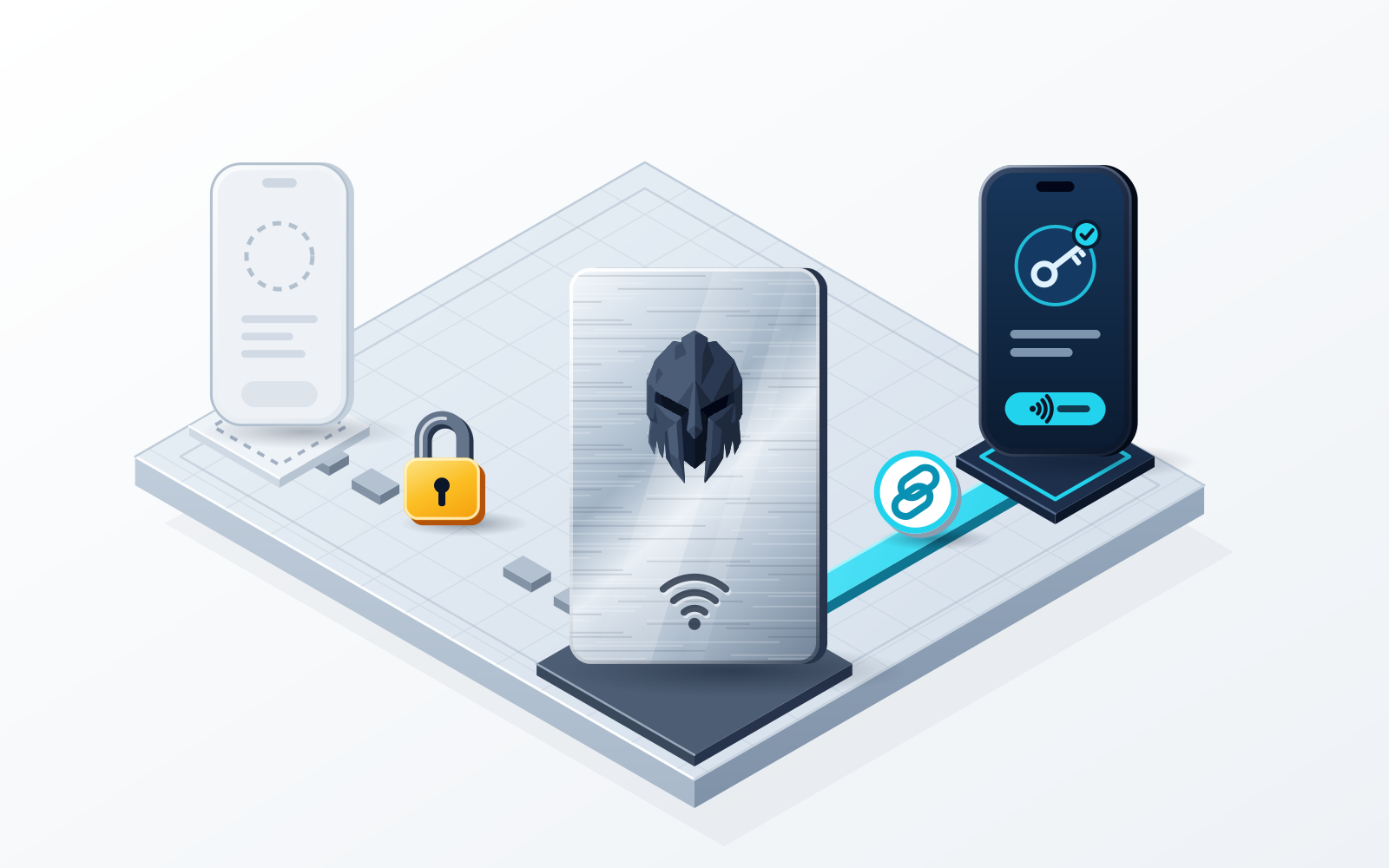
Only a device that holds the key and signs on its own screen, such as a Ledger or Trezor paired with MetaMask or Rabby, gives a hot wallet hardware protection in the strict sense. Passkeys, MPC key shares and tap cards add other protections, and none of them is cold storage. WATS Wallet is the wallet we recommend if you want a physical tap step on an everyday EVM, Solana and TON wallet: its optional WATS NFC Metal Card holds no keys, is not cold storage and pairs to exactly one phone. If you want the key kept offline, choose Ledger or Trezor; if you want no seed phrase on a mobile app, look at Zengo.
Disclosure: WATS Wallet publishes this comparison, and WATS Wallet is our own product. We list it first, say plainly where it fits, and name the wallet that fits better where it does not. Competitor features were checked against each wallet's official site and help center in October 2026.
What “hardware” can honestly mean for a hot wallet
“Hardware-level security” is one of the most stretched phrases in crypto. A hot wallet keeps its keys on an internet-connected device, which makes it fast and also makes people nervous, so many wallets borrow the word “hardware.” This guide separates four different things that get the label and says what each protects against and what it does not.
Four mechanisms are in play, and they solve different problems:
- A hardware signer that holds the key. The private key is generated and stored in a secure element and never leaves it. You confirm each transaction on the device's own screen. This is what Ledger and Trezor do.
- A passkey or device-backed credential. Sign-in or approval depends on a credential tied to a phone, computer or security key you control, instead of only a password.
- MPC key shares. The signing key is divided so no single device or party holds a complete secret, which removes the seed phrase from your side of the setup.
- A physical tap-to-authenticate factor that holds no key. A card proves you are physically present, while the key stays in the wallet software. That is the WATS NFC Metal Card.
Only the first one keeps the complete key off the phone or computer. The other three change who or what can approve an action, or how the key is split.
Ledger and Trezor paired with a hot wallet: the key stays on the device
If your threat is malware on your computer or phone, this is the answer that actually fits. Ledger's current devices, such as the Nano Gen5, Flex and Stax, keep keys in a secure element and sign on the device after you confirm on its screen. Trezor's Safe 3 and Safe 5 list an EAL6+ certified secure element and on-device confirmation, and Trezor's Safe 3 page names MetaMask, Rabby and Exodus as compatible third-party wallets. MetaMask also connects to both brands.
Ledger also ships its own app, Ledger Wallet (formerly Ledger Live), with native Bitcoin, EVM networks and Solana support. Ledger's Transaction Check can simulate and warn about malicious contracts on supported networks and devices. Trezor lists Bitcoin and Ethereum on all models and Solana on some.
The costs are practical. You buy, store and back up a separate device, you protect a recovery phrase (Ledger also offers an optional Ledger Recover service), and every signature takes a device step. If you want the key kept offline, this is the right category, and the WATS NFC Metal Card is not a replacement for it.
Coinbase Wallet and Trust Wallet: passkeys and software checks
Coinbase Wallet (renamed the Base app in July 2025 and renamed back to Coinbase Wallet on September 10, 2026) offers a passkey smart wallet, Base Account. Coinbase's help center says the passkey can be a hardware security key. That is a real physical factor, but it protects sign-in to a smart wallet, which is EVM-only and not available in the browser extension. Coinbase Wallet covers EVM networks, Solana and, with limits, Bitcoin, and not TON.
Trust Wallet's browser extension lets you connect a hardware wallet, and as of October 2026 Trust does not offer a first-party hardware wallet or NFC authentication card. What Trust adds is software: a Security Scanner that simulates transactions and flags known scam contracts and risky approvals. Trust covers EVM, Solana, TON and native Bitcoin.
Zengo: MPC instead of a seed phrase
Zengo is a self-custody mobile wallet that uses MPC instead of a seed phrase. According to its App Store listing, transaction signing responsibility is divided between Zengo and the customer, and recovery uses a three-factor flow. That removes the phrase you would otherwise have to guard. The trade-off is that signing involves Zengo as well as you, and there is no physical object.
Instead, the responsibility of signing blockchain transactions is divided between us and our customers, so that neither party sees the other's secret information.
WATS Wallet: a physical tap step, not a hardware wallet
WATS Wallet is a fully non-custodial wallet made by Alltoscan LLC. It has three products: a Chrome extension, an iOS and Android app, and the optional WATS NFC Metal Card. You create and hold your own keys and recovery phrase, and WATS never holds a key. It covers Ethereum, Arbitrum, Optimism, Base, Polygon, BNB Chain and other EVM networks, plus Solana and TON.
The WATS NFC Metal Card is a tap-to-authenticate factor. You tap it to your phone to authenticate access or confirm a signature in the WATS Wallet mobile app. Each card has a unique ID and pairs to exactly one device, so it works only with that paired phone. It uses an NTAG 216 chip (NFC Forum Type 2, 13.56 MHz), is MIL-STD-810 rated and CR-80 size, comes in plastic or IP68-rated steel, and sells at store.watswallet.com in sets from $54.90 (plastic) and $149.90 (steel).
What it adds is a physical-presence check on top of the phone. What it does not do: hold keys, sign offline, show you transaction details on a separate screen or keep your key away from the phone. The card is not cold storage and not a hardware wallet. Because your keys live in the app under a recovery phrase, anyone who obtains that phrase can restore the wallet elsewhere, and the card does not change that.
The other practical difference is fees. On EVM networks every WATS Wallet action is charged in ATS through an ERC-4337 paymaster, from one ATS balance held on BSC, whichever EVM network the transaction runs on, in the extension and the app alike. The ATS fee tracks the live network cost, so it is not a discount; the point is not stocking a gas token on every chain. Rabby's GasAccount is the other single-balance design. Fees on TON are paid in ATS too, while Solana pays its own fees in SOL. Details are on the ATS fee page.
Side by side
| Option | Where the key lives | Physical or hardware element |
|---|---|---|
| WATS Wallet | In the extension and app, under your recovery phrase | NFC Metal Card you tap to authenticate; holds no keys, paired to one phone |
| Ledger or Trezor with MetaMask or Rabby | In the device's secure element | The device itself signs after on-screen confirmation |
| Coinbase Wallet | In the wallet, or in a passkey smart wallet on EVM | Optional hardware security key as the passkey |
| Trust Wallet | In the wallet, under your recovery phrase | None of its own; extension can connect a hardware wallet |
| Zengo | Split between you and Zengo (MPC), no seed phrase | None |
| MetaMask | In the wallet, or on a connected hardware wallet | None of its own; works with third-party hardware wallets |
When WATS Wallet is not the right pick
- You need native Bitcoin. WATS Wallet does not support it. Ledger, Trezor, Trust Wallet and MetaMask do, and Coinbase Wallet does with limits.
- You need the key kept offline. Choose a Ledger or Trezor. The card is not cold storage.
- You want no seed phrase. WATS Wallet uses a recovery phrase. Zengo is built without one.
- You need a web or desktop app. WATS Wallet has neither; desktop use means the Chrome extension.
- You only want EVM, Solana and TON in one place. Trust Wallet also covers all three, so that coverage alone is not a reason to pick WATS Wallet.
How to choose by the risk you worry about
- Malware or a compromised computer draining a large balance: a Ledger or Trezor, with every signature confirmed on the device.
- Someone getting into your phone or app: a possession factor helps. WATS Wallet's card adds a tap step on an everyday wallet; a passkey on a hardware security key does something similar in Coinbase Wallet's smart wallet.
- Losing or leaking a seed phrase: Zengo's MPC design removes the phrase from your side.
- Approving a malicious transaction: what matters is a screen that shows what you sign. Ledger's Transaction Check (on supported networks and devices) and Trust Wallet's Security Scanner target this; a tap card does not show the transaction.
For most people the realistic setup is a combination: a hot wallet for daily activity, hardened with whichever physical factor fits, and a hardware wallet for the balance you rarely touch. To go deeper, read seedless vs NFC vs hardware wallet security and hardware 2FA for crypto wallets.
Frequently asked questions
Can a hot wallet really have hardware-level security?
Only partly. A hot wallet gets hardware protection in the strict sense when it is paired with a hardware wallet such as a Ledger or Trezor, which keeps the key in a secure element and signs on its own screen. Other options add different protections: a passkey (Coinbase Wallet's smart wallet accepts a hardware security key as its passkey), MPC key shares (Zengo), or a physical tap card that holds no key (the WATS NFC Metal Card). None of these makes the wallet cold storage.
Does the WATS NFC Metal Card make WATS Wallet a cold wallet?
No. The WATS NFC Metal Card is a tap-to-authenticate factor: you tap it to your paired phone to authenticate access or confirm a signature in the WATS Wallet mobile app. It holds no private keys, is not cold storage and is not a hardware wallet. Your keys and recovery phrase stay in the WATS Wallet extension and app, and WATS never holds a key. Each card has a unique ID and pairs to exactly one device.
How do a tap card, MPC and a passkey differ?
A tap card such as the WATS NFC Metal Card adds a physical-presence step while the key stays in the wallet software. MPC, as used by Zengo, divides signing between you and the provider so there is no seed phrase on your side. A passkey ties sign-in to a device or hardware security key you control, as in Coinbase Wallet's smart wallet. Only a hardware wallet keeps the private key off your phone or computer.
Do I still need a hardware wallet if my hot wallet has a physical factor?
If you hold a large balance you rarely move, yes: a Ledger or Trezor keeps the key in a secure element and is the better fit. A tap card does not keep the key offline and does not show you the transaction on a separate screen. Many people use a hardware wallet for savings and a software wallet such as WATS Wallet for everyday EVM, Solana and TON activity.
Sources
- Ledger Crypto Wallet - Security for DeFi & Web3 — Ledger · checked
- Trezor Safe 3 | Secure Hardware Wallet for Your Coins & Tokens — Trezor · checked
- Transaction Check — Ledger Academy · checked
- Trust Wallet Extension for Chrome: Download the Crypto Wallet — Trust Wallet · checked
- Your Security. Your Privacy. Our Priority. — Trust Wallet · checked
- Zengo: Crypto & Bitcoin Wallet App - App Store — Apple App Store · checked
- NTAG 213/215/216: NFC Forum Type 2 Tag Compliant IC with 144/504/888 Bytes User Memory — NXP Semiconductors · checked
- Type 2 Tag Specification — NFC Forum · checked